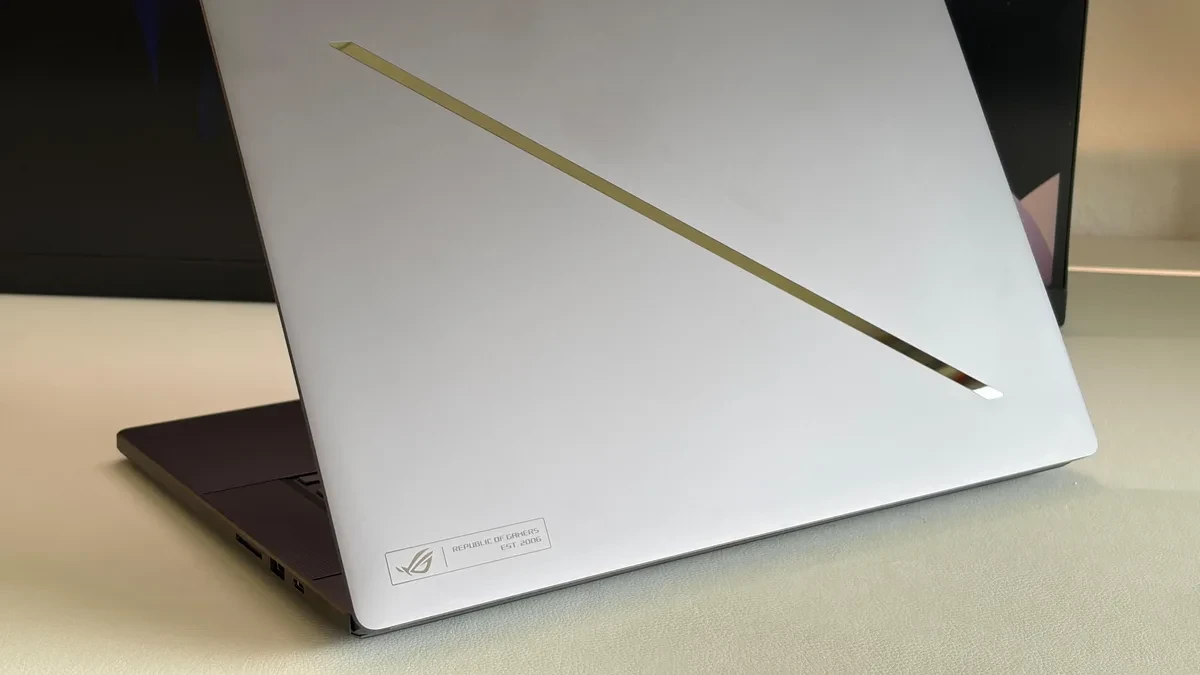
The pursuit of high-end gaming performance in a slim chassis remains the most difficult balancing act in laptop engineering. With the latest Asus ROG Zephyrus G16, equipped with Nvidia's RTX 5080, Asus has pushed the power envelope, allowing the GPU to hit a peak of 160 Watts. However, real-world testing reveals that this ceiling is more of a fleeting promise than a sustained reality, as thermal limitations quickly force the hardware to dial back to preserve system stability.
For users prioritizing portability, the Zephyrus G16 has long been a top-tier choice. Yet, physics dictates that smaller enclosures have less surface area for heat dissipation. While Asus has improved the thermal headroom on the 2026 model, increasing the maximum Total Graphics Power (TGP) from 120 Watts to 135 Watts in Turbo mode, the quest for that extra 25 Watts of dynamic boost in Manual mode often proves counterproductive under sustained load.

The Reality of 160 Watts
In theory, the ability to push the RTX 5080 to 160 Watts positions the Zephyrus G16 on par with thicker, bulkier competitors like the Razer Blade 16. In practice, our stress tests show a different story. During pure GPU-heavy workloads, the system can briefly sustain these higher power levels. However, once a game or a demanding benchmark sequence begins, that consumption typically tapers off to 135 Watts before settling into a range of 105 to 110 Watts after only 20 to 30 seconds of activity.
This aggressive throttling is a direct result of the cooling system reaching its capacity. Even with the integration of a highly capable vapor chamber, the heat generated by pushing a high-wattage chip in such a thin frame inevitably triggers the system's thermal safeguards. Consequently, running the laptop in Manual mode to unlock the 160-Watt peak often results in lower average frame rates compared to the more stable, optimized thermal profile of Turbo mode.
Performance Benchmarks and Thermal Limits
When comparing the modes, the data highlights the inconsistency of the high-power Manual setting. In benchmarks like 'Assassin's Creed Black Flag', the performance dip is noticeable, with the system struggling to maintain the sustained output required for stable frame rates. While titles like 'Cyberpunk 2077' see a slight gain of approximately 3 fps in Manual mode, other titles such as 'Baldur's Gate 3' and 'F1 2024' actually perform better or equivalent when the system is left in its standard Turbo configuration.

This behavior underscores a critical lesson for prospective buyers: higher wattage does not always equate to higher performance if the cooling architecture cannot keep pace. Asus has undoubtedly squeezed more performance out of the 2026 chassis compared to its predecessors, but the Razer Blade 16 continues to hold a slight lead in maintaining consistent high-performance output, likely due to its slightly more forgiving internal volume for airflow.
Ultimately, the ROG Zephyrus G16 remains an impressive piece of hardware for those who value a lightweight footprint over absolute, sustained peak performance. However, users should understand that the 160-Watt claim is a short-lived burst rather than a baseline for long gaming sessions.