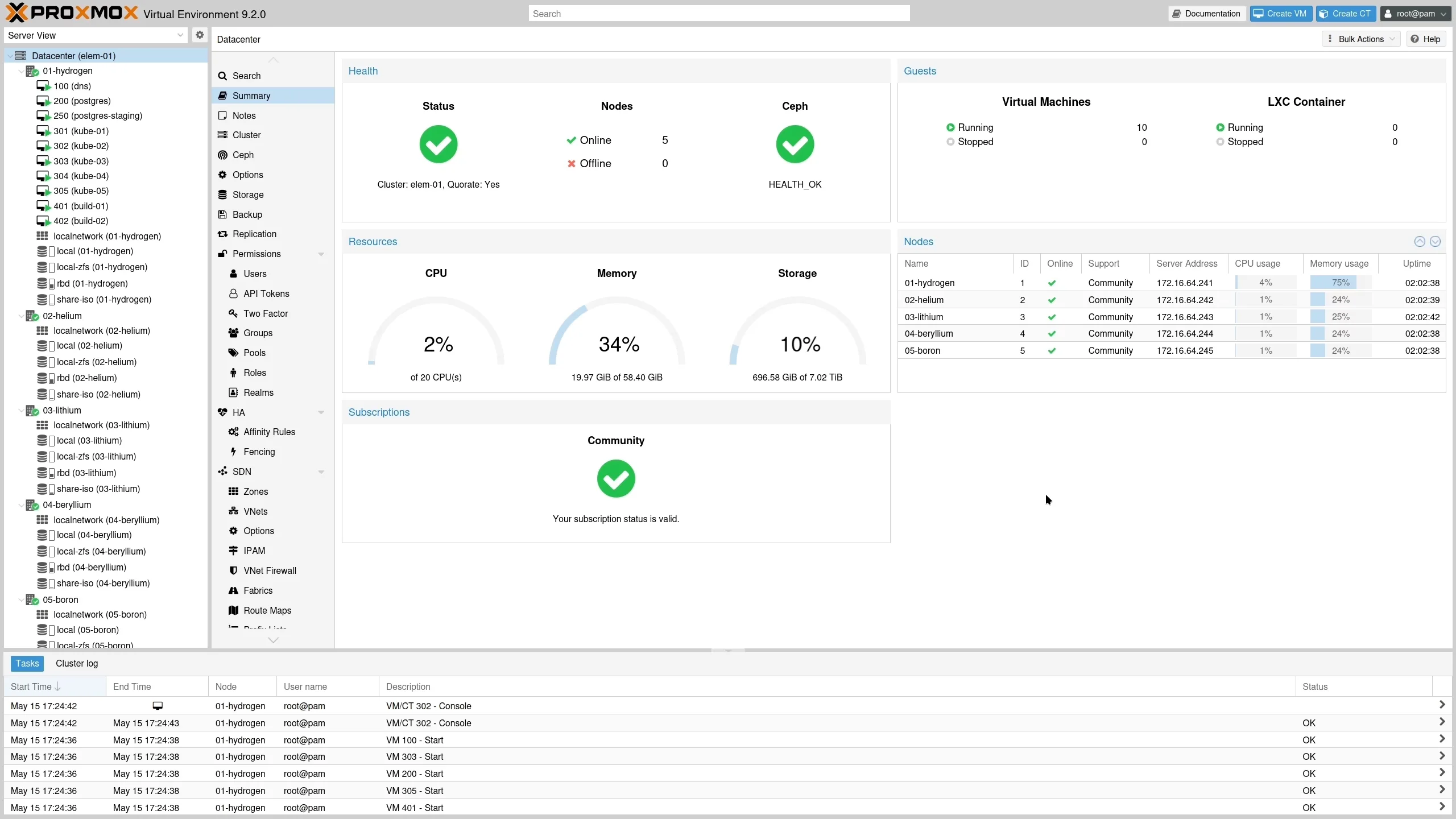
Managing virtual machines across multiple servers often leads to uneven resource use, which can impact performance and cost-efficiency. Proxmox VE 9.2 addresses this common challenge by introducing a dynamic load balancer that optimizes how workloads are distributed across cluster nodes in real time.
- Dynamic load balancer automatically balances VMs based on real-time resource use
- Expanded software-defined networking with WireGuard support
- Custom CPU profile management through a user-friendly interface
- New HA arm/disarm feature to simplify maintenance windows
The 7.0 Linux Kernel and Updated Tech Stack Bring Stability
Proxmox VE 9.2 is built on Debian 13.5 “Trixie” with the Linux 7.0 kernel as its default, which offers better hardware support and performance improvements. Core components like QEMU 11.0, LXC 7.0, and ZFS 2.4 are updated to provide a solid foundation for enterprise virtualization needs.
Storage management also sees enhancements with the introduction of Ceph Tentacle 20.2 as the new default stable release, while Ceph Squid 19.2 remains an option for users with specific requirements.
Dynamic Load Balancer Improves Cluster Efficiency
The new dynamic load balancer continuously monitors node and VM resource usage to intelligently place guests where they best fit. It can migrate virtual machines automatically within the cluster, reducing hotspots and improving overall reliability.
Administrators retain control with configurable parameters that adjust how sensitive the load balancer is to changes, ensuring that migrations align with operational policies and high availability (HA) rules.
More Control Over CPU Profiles and Maintenance
Proxmox VE 9.2 introduces a GUI-based management tool for custom CPU models, allowing administrators to tailor CPU features exposed to virtual machines. This helps optimize workloads that require specific CPU capabilities.
Additionally, the new HA arm/disarm functionality lets admins suspend and resume the HA stack cluster-wide during maintenance, preventing unwanted failovers or fencing without losing resource state configurations.
Price and Availability: Open Source with Enterprise Support Options
Proxmox VE 9.2 is freely available for download and installation from the official website. It supports in-place upgrades from previous versions, including seamless transitions from 9.1 via apt or GUI.
For businesses needing guaranteed stability and support, Proxmox offers subscription plans starting at around $130 per CPU per year, providing access to certified updates and expert assistance.
The trade-off is complexity; while Proxmox VE 9.2 adds powerful new features, administrators should be comfortable managing cluster configurations and understand the underlying virtualization concepts to maximize benefits.
Consider Proxmox VE 9.2 if you manage medium to large virtualized environments and need smarter resource balancing with flexible CPU configuration. Skip it if you prefer simpler setups or have minimal virtualization demands that don’t require advanced cluster management.
(Via)