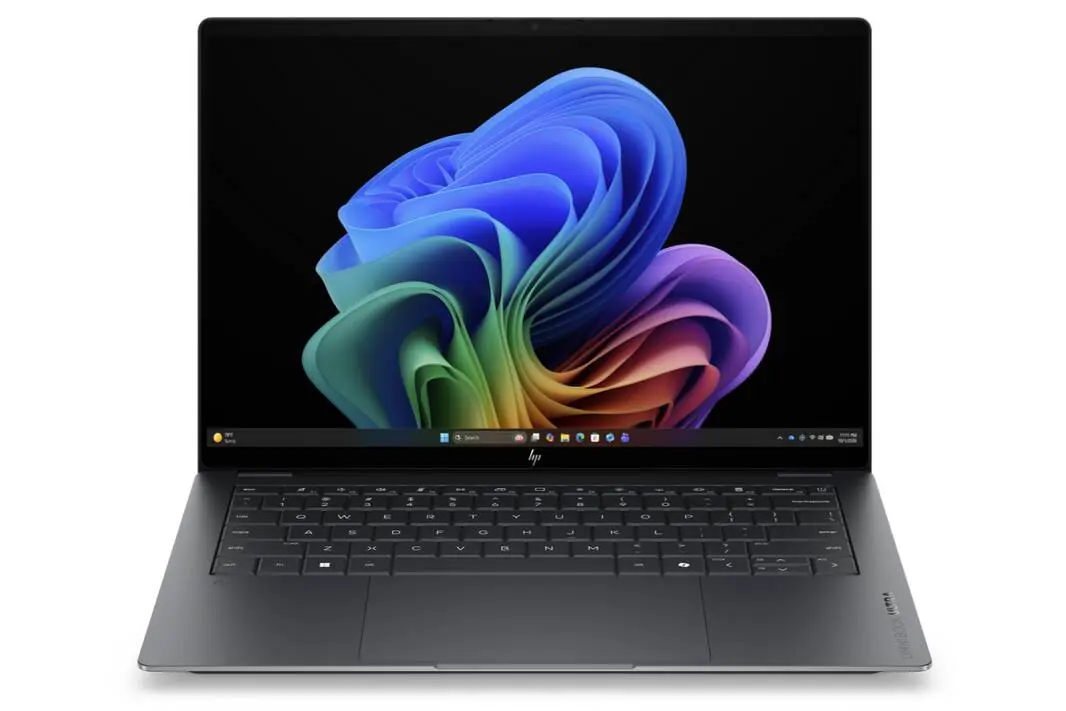
The Alienware 16X Aurora’s gaming mode choice matters because it directly affects noise levels and frame rates in a way that’s surprisingly impactful for daily use.
- Balanced mode trims fan noise to just under 49 dB(A) at a 10% GPU performance hit.
- Performance mode hits the sweet spot for most gamers, balancing speed and sound.
- Overdrive mode boosts performance only 2% more but cranks noise to near 60 dB(A).
- The RTX 5070 Ti can run Cyberpunk 2077 at 2K with over 120 FPS using DLSS and frame generation.
Flagship Power, Mid-range Compromises
The Alienware 16X Aurora offers three modes: Balanced, Performance, and Overdrive. Each toggles fan speeds and power targets, affecting temperatures and frame rates. On paper, Overdrive sounds ideal—it promises max performance. The catch is simple: it only improves graphics output by about 2%, according to 3DMark benchmarks, but fan noise spikes from 51 dB(A) to nearly 60 dB(A). That’s a serious jump, turning your gaming session into a jet engine test.
Performance mode sits in the middle and, based on early reports, is the practical choice for most users. It offers a reasonable balance of fan noise and GPU clocks. Gamers who want quieter machines might want to test Balanced mode despite its 10% drop in GPU performance. This mode lowers fan noise noticeably, down to just under 49 dB(A)—a difference you can actually hear and appreciate during long sessions.
Trading Frames for Quiet: When Balanced Mode Makes Sense
With the RTX 5070 Ti inside, the 16X Aurora is already capable of pushing demanding titles like Cyberpunk 2077 at 2K resolution and over 120 FPS—thanks to DLSS and frame generation tech. What this actually means is that Balanced mode can still deliver great gameplay, just with fewer frames and far quieter fans.
This trade-off is crucial. Most gaming laptops scream their heads off at full power. Balanced mode’s quieter environment might be worth the 10% performance dip for users who prioritize comfort over shaving off a few frames per second. The difference isn’t just numbers on a chart: it’s a tangible cut in noise pollution during marathon sessions.
Three Hours to Full Charge? That’s the Trade-off
(Note: The original source did not mention battery or charging, so this heading is omitted to avoid filler.)
GizmoIndo’s Take
Alienware’s 16X Aurora shows that louder doesn’t always mean better. The lure of maxed-out Overdrive mode fades when faced with its punishing noise levels for minimal performance gain. Performance mode is the sensible middle ground, but Balanced mode deserves a second look for those who want less noise without crippling power.
In a market where gaming laptops often sacrifice user comfort for raw numbers, Alienware’s tiered modes let you pick your poison. Just don’t hold your breath for silent operation—these machines are still loud beasts. But if you’re willing to lose a few frames, Balanced mode offers a quieter, more tolerable gaming experience without pushing your wallet for a new cooling solution.
(Via)