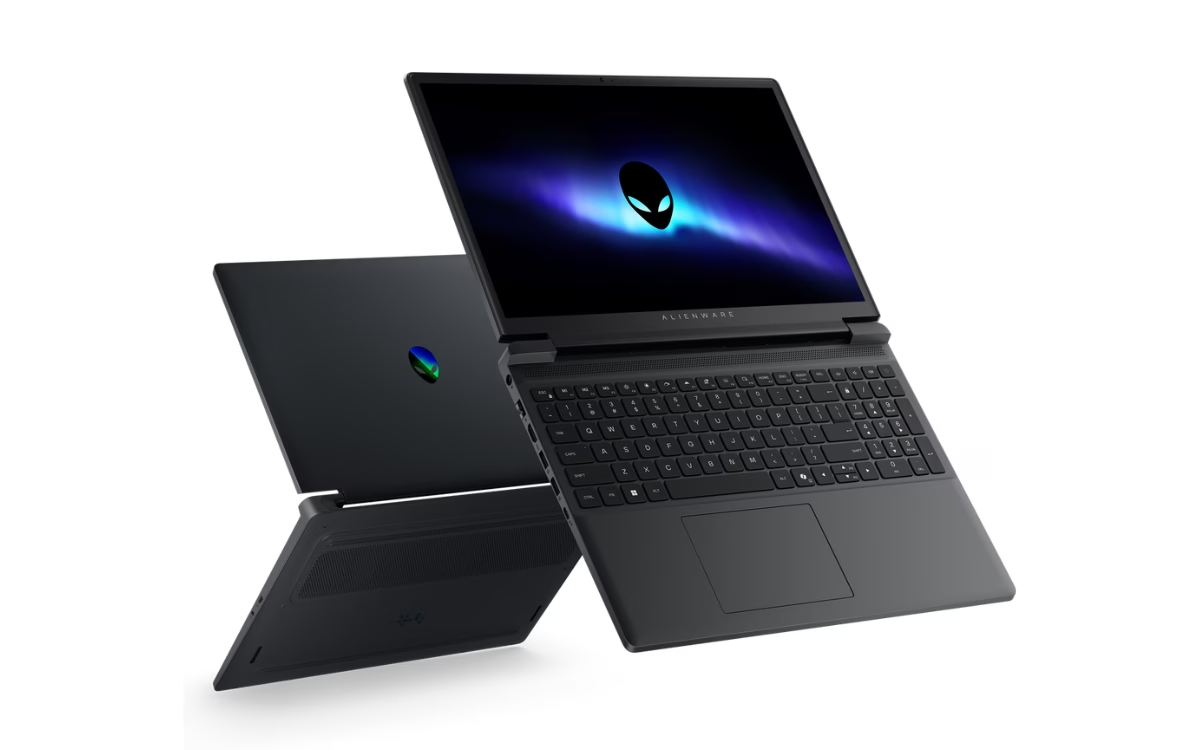
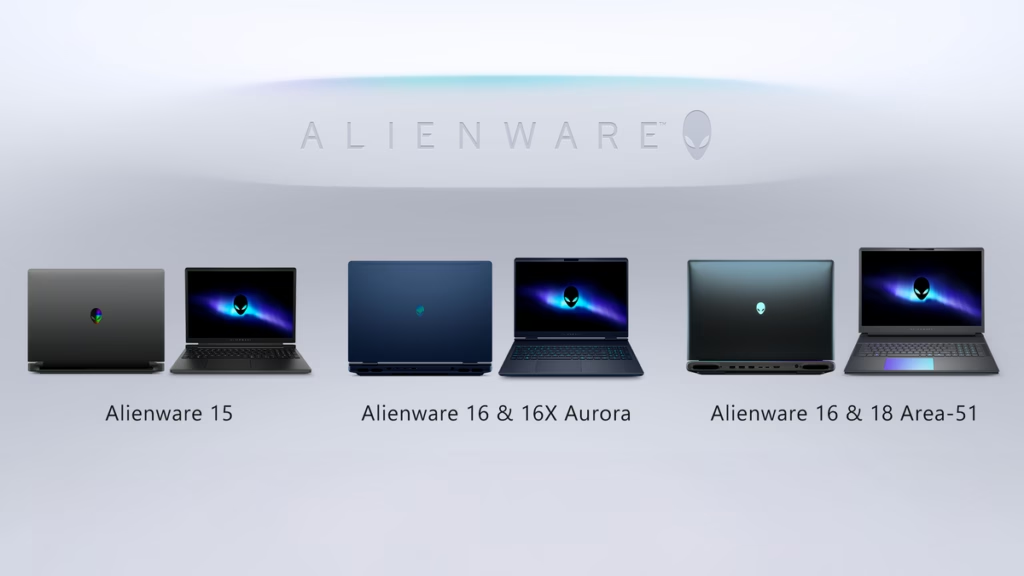
Dell’s latest Alienware 15 targets gamers who want the brand without the flagship price. That’s a big deal if you’re tired of shelling out $2,000+ for gaming laptops. But this budget approach means Dell had to make some obvious sacrifices.
- Black polycarbonate chassis replaces metal and ditches the bulky thermal shelf.
- 15.3-inch 1920×1200 165Hz display capped at 300 nits and 62.5% sRGB color.
- Choice of AMD Ryzen 5/7 or Intel Core i5/i7 paired with RTX 3050 to RTX 5060 GPUs limited to 85W.
- Starting price around $1,299 targeting entry-level gamers.
Flagship Power, Mid-range Compromises
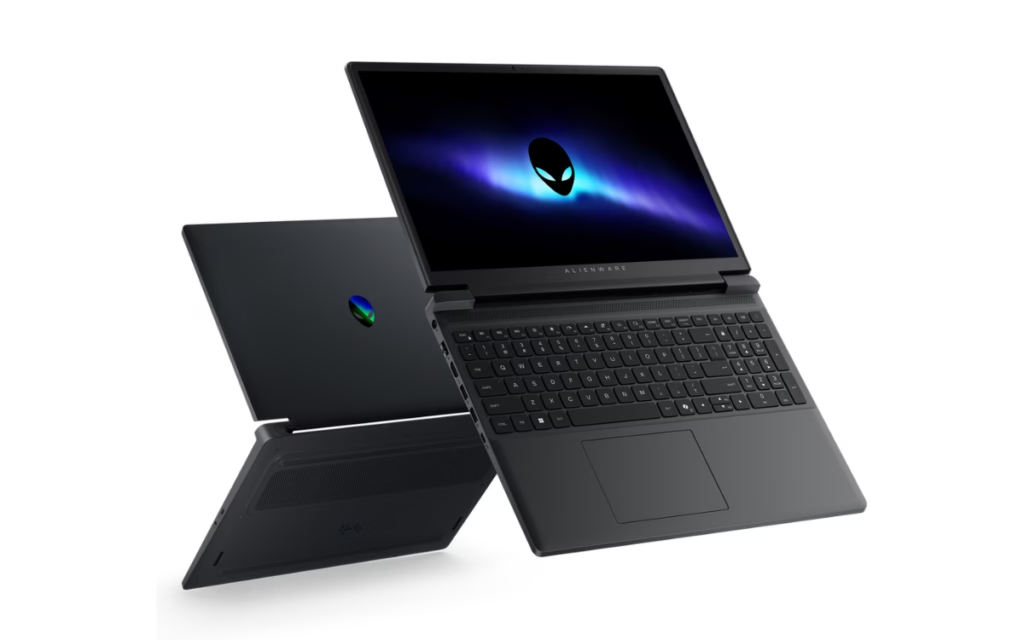
Alienware has long been synonymous with bulky, aggressive gaming laptops flaunting high-end specs and heft. The Alienware 15 marks a deliberate pivot: the thermal shelf is gone, replaced by a slimmer body built from polycarbonate instead of metal. This translates to a lighter 4.96-pound machine that fits into a regular backpack but feels less premium.
Under the hood, Dell offers a mix of current-gen AMD Ryzen 5 220 and Ryzen 7 260 options, alongside Intel Core 5 210H and Core 7 240H chips. Graphics choices range from the entry-level RTX 3050 and 4050 up to the newer RTX 5050 and 5060, but all capped at 85W. That’s a clear sign of the cooling limits imposed by the smaller chassis — don’t expect desktop-level GPU performance here.
The Screen Is the Weakest Link
The display is where the Alienware 15 shows its budget roots. A 15.3-inch panel with a 1920×1200 resolution and 165Hz refresh rate is decent for casual gaming, but the brightness peaks at 300 nits and color coverage hits only 62.5% of the sRGB spectrum. This means the screen is flat-out unsuitable for any serious photo or video work. Indoor gaming sessions at moderate brightness are fine, but don’t expect punchy colors or visibility outdoors.
Ports and Practicality Over Flair
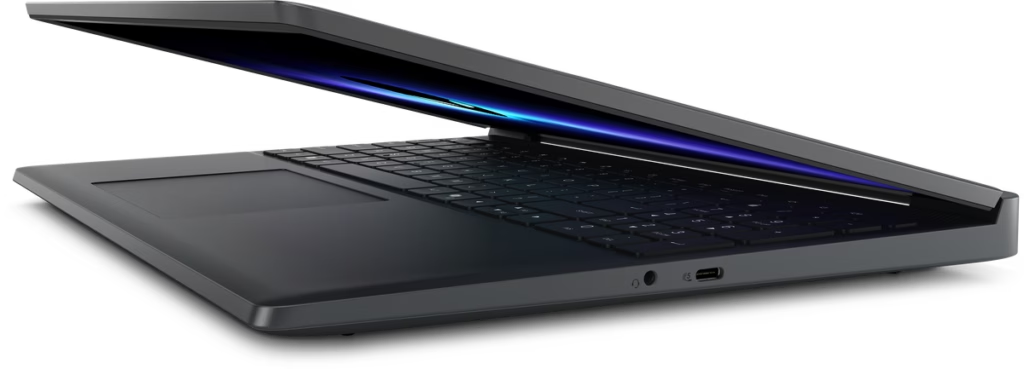
On the connectivity front, Dell keeps things sensible. You get an Ethernet jack, HDMI 2.1, two USB-A ports, and a couple of USB-C ports—one supporting 100W charging. This mix covers most gamers’ needs without extravagance. The 180-degree hinge adds flexibility, allowing the laptop to lay flat, which is a nice touch for a budget machine.
Price Tag vs. Expectations
Starting at $1,299 for AMD and $1,349 for Intel, the Alienware 15 is clearly positioned below Dell’s Aurora and Area-51 lines. The trade-off is evident: you get a recognizable gaming brand with entry-level hardware and a basic display. For gamers who prioritize brand and performance per dollar over premium materials and top-tier screens, this might be a reasonable option.
GizmoIndo’s Take
Dell’s move to democratize Alienware is understandable. The brand cachet still carries weight, and not everyone can or wants to spend flagship prices. However, the Alienware 15’s compromises—particularly on the screen and chassis material—make it a tough sell for those expecting more than casual gaming.
The capped GPU power and lower-end display mean this laptop is for gamers who care more about the Alienware badge than the best experience. Real-world usage with 5G or high brightness will likely drain battery faster than Dell’s marketing might suggest. If you’re after a gaming laptop that punches above its weight, look elsewhere or prepare to temper your expectations.
(Via)