When configuring a premium corporate notebook, navigating the endless list of optional hardware components can quickly become overwhelming. Leading PC manufacturers like HP, Lenovo, and Dell frequently promote specialized security configurations, including built-in electronic privacy screens such as HP SureView. Designed to shield confidential spreadsheets and sensitive documents from visual snooping on flights or in public cafes, these digital privacy filters promise peace of mind at the touch of a dedicated function key.
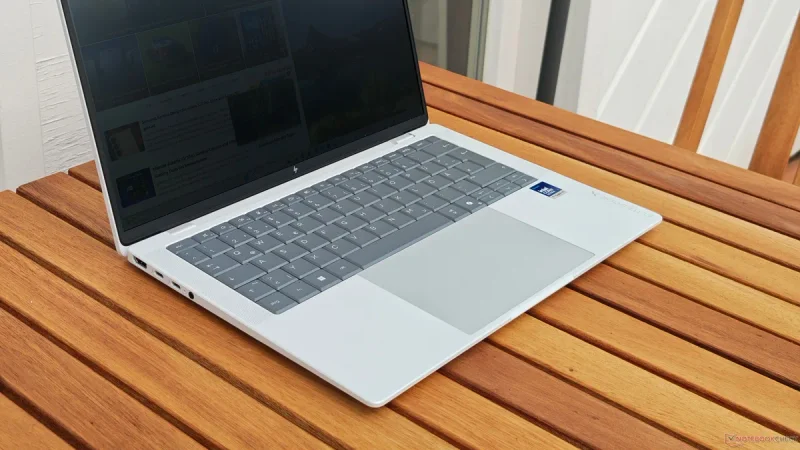
However, real-world testing of flagship business machines like the HP EliteBook X G2i reveals why most buyers should actively avoid these privacy-centric display panels. Unless your job strictly mandates on-screen confidentiality in public spaces, selecting an integrated ePrivacy panel introduces severe engineering compromises that permanently degrade everyday visual comfort and viewing experience.
The Hidden Cost of Integrated Privacy Technology
Electronic privacy displays rely on specialized optical layers built into the display assembly to restrict light distribution. When activated, the panel narrows the cone of light emitted from the screen, making the content invisible to anyone sitting to your left or right. The marketing pitch is compelling, often paired with eye-catching specifications like high peak brightness ratings. For instance, the HP EliteBook X G2i offers an ePrivacy panel option featuring a 1,920 x 1,200 (WUXGA) resolution with an advertised 800-nit brightness rating.
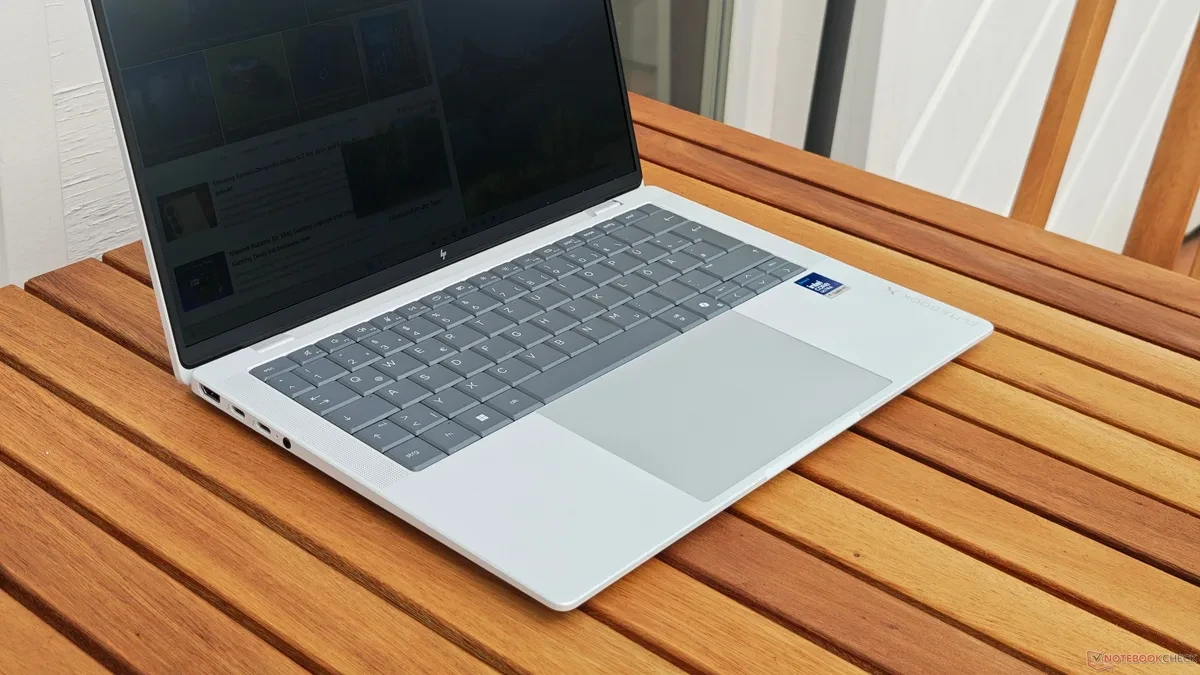
Unfortunately, the mechanical filters required to achieve this privacy state impose a severe penalty on standard screen viewing angles, even when the electronic privacy mode is turned off. Unlike traditional IPS panels that maintain consistent color and contrast across wide viewing angles, an ePrivacy display experiences rapid off-axis brightness drop-off. Even slight natural head movements during routine work cause noticeable shifts in illumination, making portions of the screen look dark or washed out. While color inversion is not as severe as on outdated TN panels, the uneven brightness distribution creates persistent visual friction during long work hours.
Better Display Alternatives for Daily Productivity
The HP EliteBook X G2i itself remains an exceptional commercial laptop, earning high marks for its chassis rigidity, typing ergonomics, and processing efficiency. However, the overall user experience is heavily dictated by the panel configuration selected at purchase. HP offers up to seven distinct display configurations for this flagship chassis, ranging from power-efficient full HD panels to high-resolution OLED options.
For nearly every workflow, choosing a standard 400-nit low-power IPS panel or a crisp OLED display provides a vastly superior working experience. Standard IPS panels offer wide viewing angles, consistent contrast, and superior color uniformity across the entire display canvas. OLED configurations deliver perfect contrast ratios and vibrant colors without the off-axis viewing degradation inherent to ePrivacy technology.
If visual privacy is occasionally required for business travel, a removable physical privacy filter or a magnetic overlay remains a far more practical solution. External filters allow users to apply privacy protection only when sitting on a crowded train or plane, preserving pristine image quality and wide viewing angles when working at a office desk or home setup.
Making the Right Choice Before Ordering
When ordering enterprise laptops, high brightness figures like 800 nits can be deceptive. In the case of privacy screens, much of that extra luminance is required simply to punch through the heavy internal filtering layers rather than delivering a vibrant HDR visual experience. Corporate procurement managers and individual buyers should double-check spec sheets to ensure they are selecting standard IPS or OLED options unless strict privacy Compliance explicitly demands otherwise.