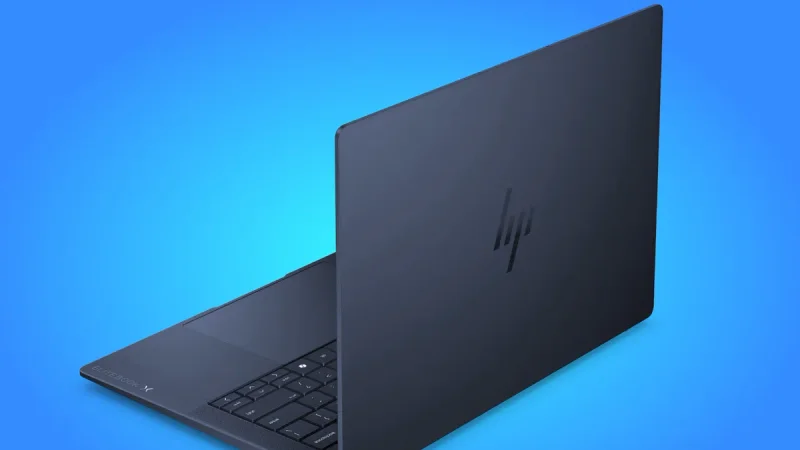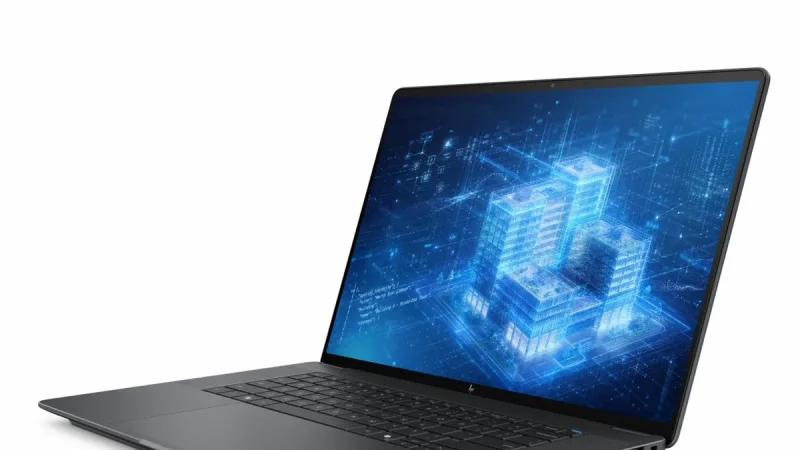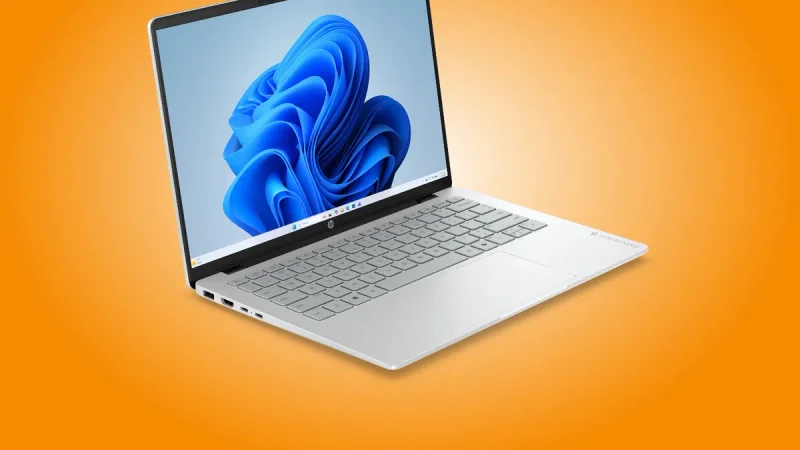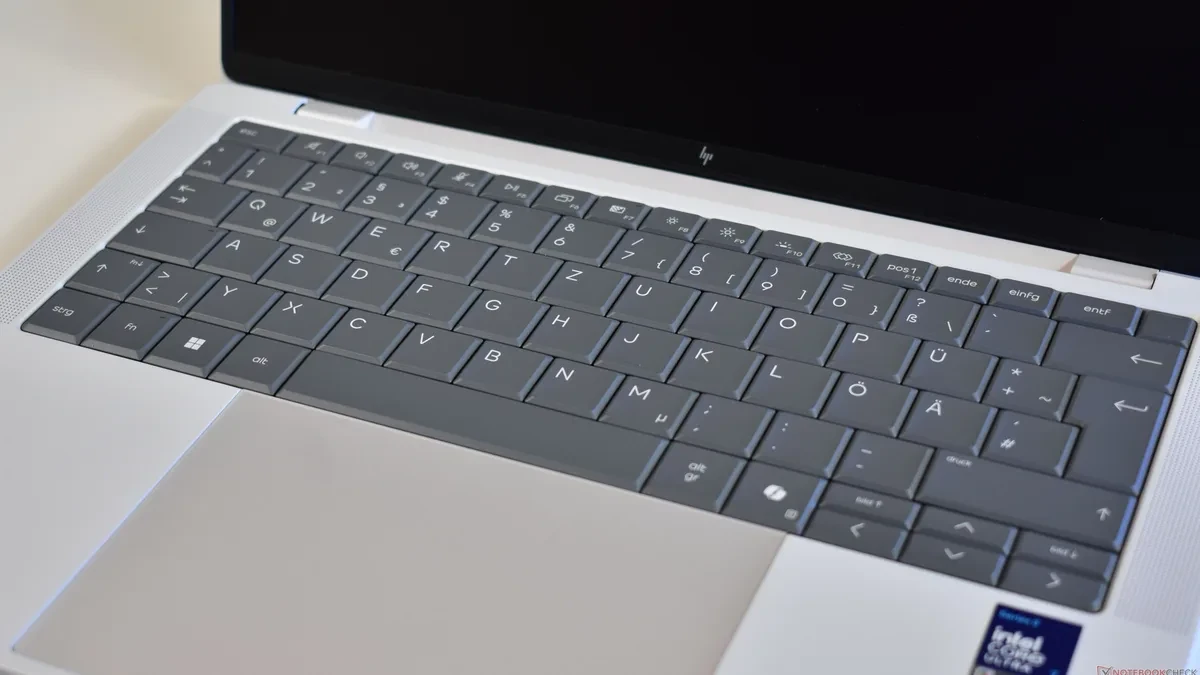
The HP EliteBook X G2i 14, a premium business laptop starting at an estimated $1,500, is quietly reviving one of the most missed hardware design elements: a user-replaceable keyboard. By allowing quick swaps without total disassembly, this machine challenges the modern industry trend of disposable, glued-together consumer tech.
For over a decade, thin-and-light ultrabooks have sacrificed repairability for aesthetics. Ever since thin laptops popularized integrated top-cover keyboard assemblies, a single broken key or liquid spill has forced users to either pay hundreds of dollars for a full palmrest replacement or discard their machines entirely. HP's latest design proves that a laptop can remain under 20 mm thick while still respecting the user's right to repair.
The Shift From Simple Swaps to Glued-Down Components
Historically, fixing a broken laptop keyboard was a trivial task. Most classic business laptops featured top-mounted keyboards. If a key broke or a switch failed, a technician could simply back out a couple of screws on the underside, pop the keyboard assembly out from the top, plug in a new ribbon cable, and secure the new unit. The entire process took less than five minutes and required minimal technical expertise.
This user-friendly era ended with the rise of the modern ultrabook. As manufacturers raced to create the thinnest possible chassis, they shifted to bottom-mounted keyboards. In this configuration, the keyboard is fused, riveted, or glued directly into the palmrest and top cover frame.
To replace a bottom-mounted keyboard, a technician must perform a complete teardown of the machine. This involves removing the bottom panel, disconnecting the battery, taking out the cooling fans, unscrewing the motherboard, and sometimes even removing the display hinge. For many IT departments and everyday users, this level of complexity makes individual keyboard repairs financially and practically unviable, often resulting in entire top-case assemblies being replaced at a premium cost.
How the HP EliteBook X G2i 14 Solves the Repair Dilemma
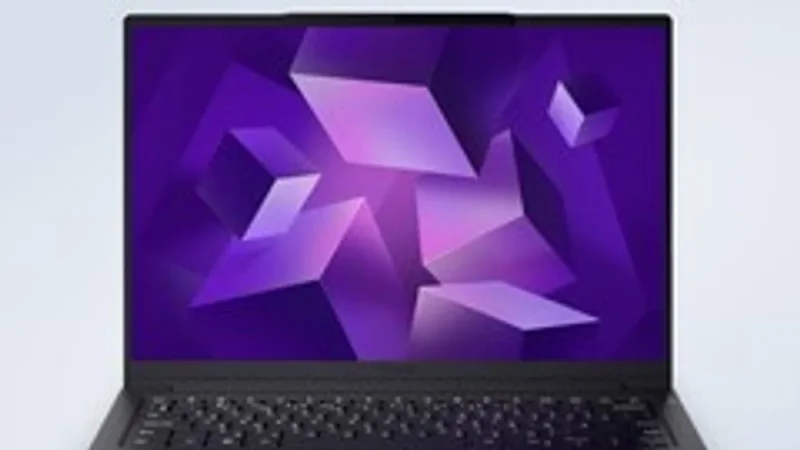
The new HP EliteBook X G2i 14 breaks this frustrating cycle by reintroducing a top-mounted keyboard mechanism without compromising its slim, premium chassis. Despite measuring under 20 mm in thickness, the notebook allows users to swap out the entire keyboard assembly in a matter of minutes using basic tools.
According to the official repair manual, the process is remarkably straightforward:
• Gently pry off the Escape keycap.
• Locate the small metal locking tab hidden directly beneath the Escape key switch.
• Slide the tab to the left to release the keyboard's internal locking mechanism.
• Lift the top edge of the keyboard assembly up from the chassis.
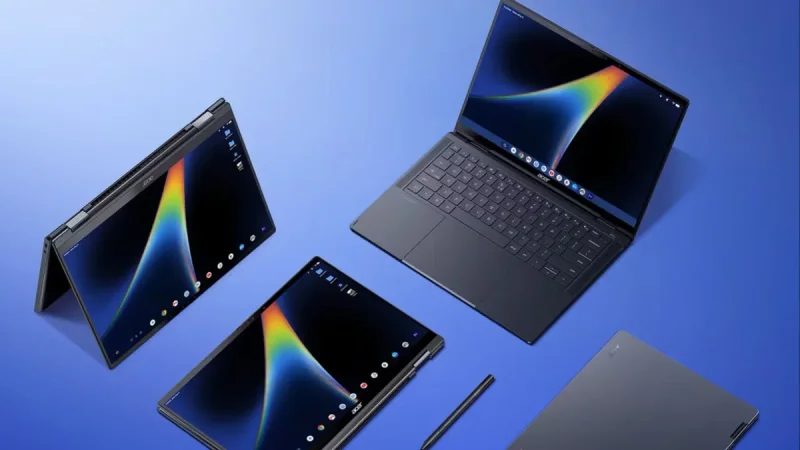
• Disconnect the ribbon cables and lift the entire keyboard out.
This design stands in sharp contrast to its predecessor, the EliteBook X G1i, which utilized the standard ultrabook design with the keyboard integrated directly into the top cover. By shifting back to a modular, top-accessible layout, HP has eliminated the need for a full-system teardown for one of the most common hardware failure points.
Regulation and Market Pressures Drive Design Changes
HP's engineering shift does not happen in a vacuum. The broader tech landscape is undergoing a massive cultural and regulatory shift toward hardware longevity. The European Union's strict right-to-repair regulations are forcing manufacturers to design products that are easier to service, reduce electronic waste, and offer readily available spare parts.
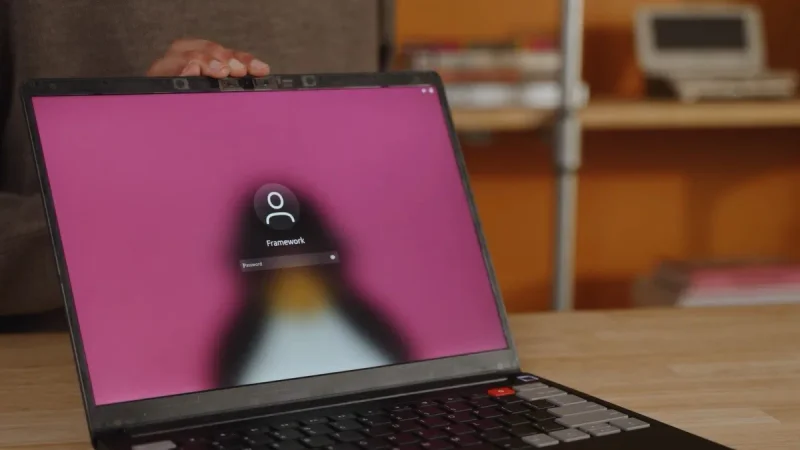
At the same time, companies like Framework have demonstrated that modularity is a highly marketable feature. Enterprise clients, who purchase laptops by the thousands, are particularly sensitive to maintenance costs. A fleet of laptops that can be serviced on-site by a basic IT technician is far more cost-effective than a fleet requiring depot repairs for simple key failures.
While this repairable keyboard is currently limited to HP's high-end business lineup, its successful implementation in a sub-20 mm chassis proves that thinness and repairability do not have to be mutually exclusive. Ideally, this clever locking mechanism will find its way into consumer-grade Chromebooks, Pavilions, and Envy models in the near future.