Have you ever wished to share audio from your Windows 11 PC to two Bluetooth headsets at once without hardware splitters or third-party apps? The new Windows 11 Shared Audio feature addresses this long-standing multi-user playback limitation by natively broadcasting synchronized sound streams to two wireless devices simultaneously.
- Native system-level audio broadcast to two Bluetooth devices simultaneously
- Compatible with Windows 11 build 26100.8522 or newer and select hardware
- Supports modern Bluetooth Low Energy (LE) Audio protocols and broadcast-ready headsets
- Independent volume controls for each connected headset, with default microphone fallback
Pairing Your Wireless Devices for Shared Audio
To start, ensure your PC meets the compatibility requirements and both Bluetooth devices are connected. Press Windows Key + I to open Settings, then navigate to the Bluetooth & devices tab. Put each headset into pairing mode, add them individually, and confirm both show active connections before proceeding.
Activating the Shared Audio Broadcast
Click the speaker icon in the taskbar to open Quick Settings, and select the Shared audio option. This opens a device configuration panel listing your connected headsets. Tick the boxes for both devices and click Share to initiate the broadcast. A new status icon appears on the taskbar confirming the live stream and providing quick access to volume controls.
Each listener can adjust their volume independently through software sliders or by using their headset’s physical buttons. Note that during shared audio streaming, Bluetooth headset microphones are temporarily disabled, so Windows defaults to the built-in laptop microphone for calls.
Hardware and System Compatibility Details
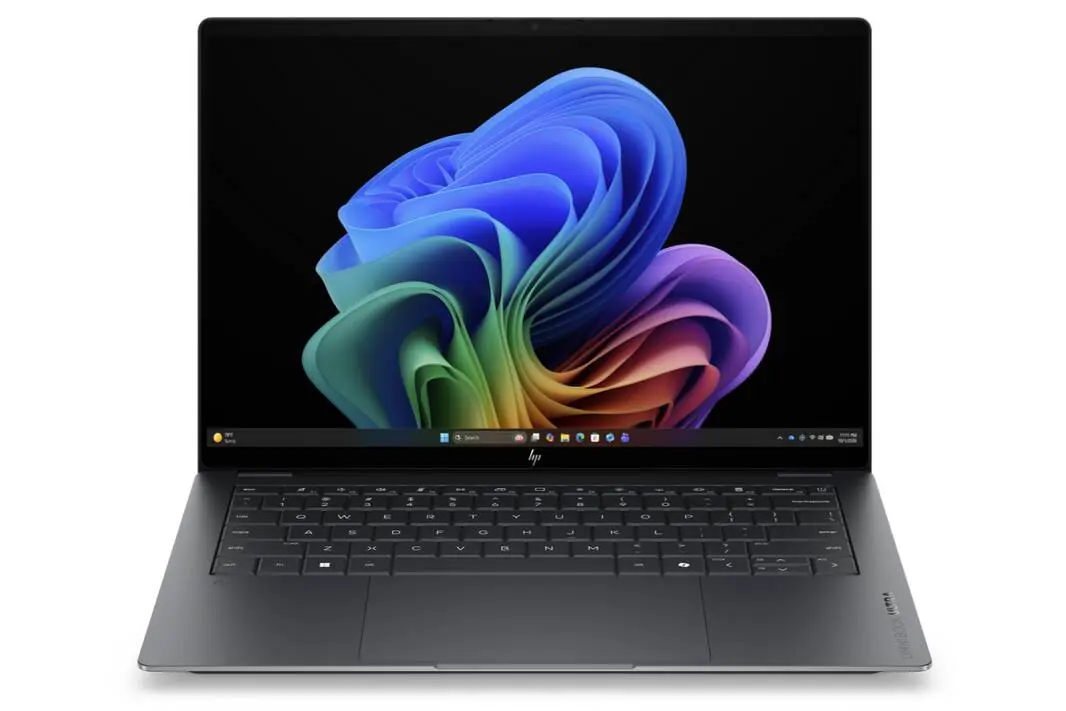
This feature leverages Bluetooth Low Energy (LE) Audio, requiring Windows 11 build 26100.8522 or higher and specific internal hardware. Compatible PCs include Qualcomm Snapdragon X Elite or Snapdragon X Plus-based laptops like Microsoft Surface Laptop 7 and Surface Pro 11, Samsung Galaxy Book4 Edge, Dell XPS 13 9345, and newer Intel Core Ultra Series 200 systems.
Supported broadcast-ready audio endpoints include Samsung Galaxy Buds2 Pro, Galaxy Buds3, Galaxy Buds3 Pro, Sony LinkBuds S, and modern LE Audio-equipped hearing aids from brands like ReSound and Beltone.
Controlled Feature Rollout and Availability
Even if your PC meets all the technical requirements, the Shared Audio feature might not yet appear. Microsoft is deploying it via a Controlled Feature Rollout, a server-side staged activation that enables the function for specific device pools over time.
This measured approach ensures a stable user experience as adoption scales across compatible devices.
Reference: Microsoft | notebookcheck.net