Windows 11 users who have followed Microsoft’s Copilot AI assistant know the experience has shifted repeatedly since its 2023 debut. The biggest usability question now is how to integrate AI help without disrupting workflow. Microsoft’s latest move reintroduces a docked sidebar for Copilot, bringing the AI back to the edge of the screen after several attempts to find the right interface.
- Copilot returns with docked sidebar options alongside floating and picture-in-picture modes
- Docking pins Copilot to screen edge while resizing desktop and open apps dynamically
- Microsoft has redesigned Copilot’s UI six times in under two years
- Availability and stable rollout remain uncertain amid broader Windows 11 update pressures
The 140W Claim Depends on How You Use It
Correction: This heading is from the example, not the content. Replace with a relevant heading.
New Docking Options Add Flexibility but Also Complexity
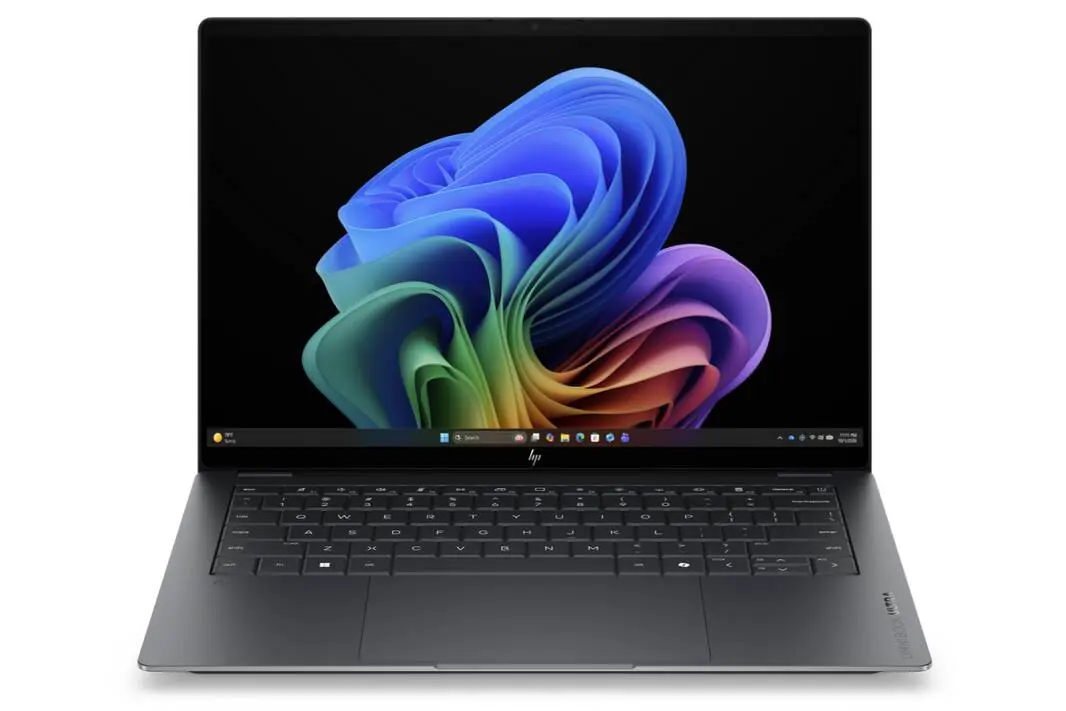
The latest Copilot update introduces a drop-down menu with four layout options: the familiar floating window, picture-in-picture mode, and two new docked positions on either the left or right screen edge. When docked, Copilot behaves like a persistent sidebar, resizing the remaining desktop area so open applications adjust their layout automatically.
This docking is distinct from Windows 11’s native Snap Layouts but visually similar, aiming to keep Copilot accessible without blocking the workspace. However, the impact varies by user. Those who rely heavily on multitasking may appreciate the sidebar’s constant presence, while others might find it intrusive.
Six UI Redesigns Reflect Microsoft’s Search for the Right Balance
Since its Windows 11 launch, Copilot has undergone six UI redesigns. It started as a sidebar, switched to a floating app, went through web-based and native code versions, and landed on an Edge-based wrapper. This latest docking mode echoes the original sidebar layout but comes amid a scaling back of Copilot’s integration in core apps like Notepad and Photos.
The frequent changes suggest Microsoft is balancing visibility and user control. While the docked sidebar makes Copilot more accessible, its future inclusion in stable Windows 11 builds is still unclear.
Windows 11 Update Urgency Overshadows Copilot Changes
Microsoft’s Copilot redesign arrives at a time when Windows 11 users face an important update deadline: Secure Boot certificates expire on June 24. Devices without recent updates might experience boot failures, making this period critical for system stability.
The trade-off is between testing new Copilot features and ensuring your machine stays updated for security and reliability. Users should prioritize Windows updates and view Copilot enhancements as secondary until stable releases confirm their readiness.
Consider Copilot Docking If You Want Persistent AI Assistance
The docked Copilot sidebar suits users who want constant AI access without juggling floating windows. It makes more sense for multitaskers who benefit from a sidebar that adapts the desktop layout dynamically.
Skip it if you prefer minimal screen clutter or rely on Copilot sparingly since the docked mode could reduce usable workspace. Also, availability depends on phased rollout, so not all users will see these options immediately.
(Via)