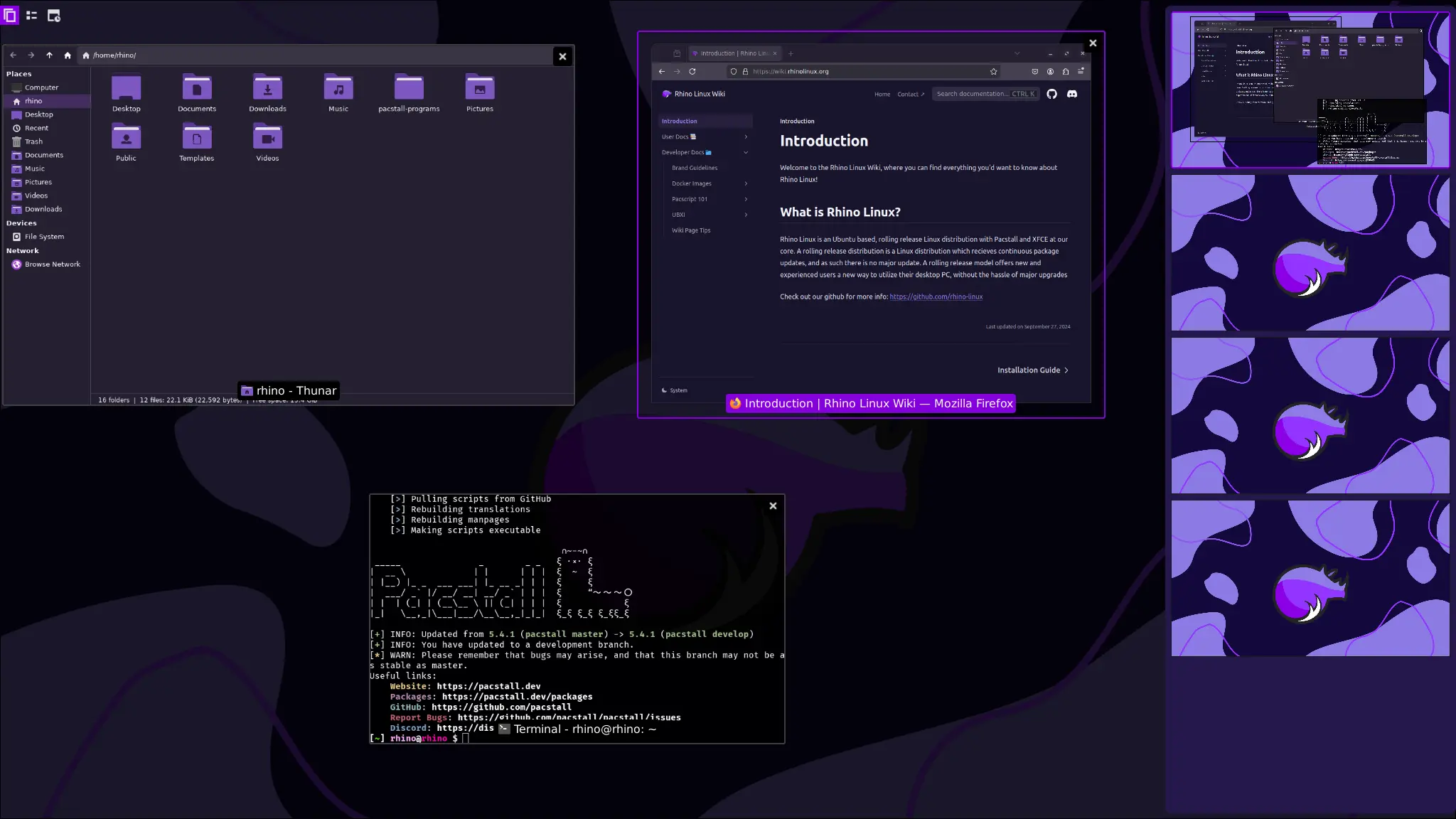
Linux users seeking a flexible distro that bridges mobile and desktop experiences face a challenge: finding one that adapts well to both without sacrificing usability. Rhino Linux 2026.1 tackles this by expanding Lomiri support, a mobile-optimized desktop environment, to generic desktop systems alongside its traditional mobile platforms.
- Lomiri now runs on x86_64 and ARM64 generic ISO images, extending beyond mobile devices.
- Pacstall 6.4.x brings improved package management with new scripting and debugging features.
- Multiple kernel versions support a range of hardware, including PinePhone, PineTab, and Raspberry Pi.
- Downloads are hosted on SourceForge with easy ISO selection via dropdown menus.
Lomiri on Desktop: An Evolving Experience
Originally designed for mobile devices, Lomiri offers a streamlined, touch-friendly interface. Rhino Linux 2026.1 introduces Lomiri support on generic desktop ISOs for both x86_64 and ARM64 architectures. While still labeled “evolving,” this move reflects the distro’s aim to unify user experience across device types.
The Rhino Linux team collaborates with UBports, Lomiri’s primary developer, to improve stability and usability on desktops. For users who prioritize a consistent interface between their phone and PC, this integration offers a rare option.
Flexible Kernels Support Diverse Hardware
Rhino Linux 2026.1 includes several kernel versions to optimize compatibility. The generic images run kernel 7.0.9-generic, but specific hardware gets tailored kernels: 6.18.32-sunxi for PinePhone and PineTab, 6.18.32-rockchip for PinePhone Pro, 6.9.0-okpine for PineTab2, and 7.0.0-raspi for Raspberry Pi devices.
This kernel variety makes Rhino Linux suitable for hobbyists and developers working across popular ARM devices and traditional PCs.
Pacstall 6.4.x Enhances Package Management
The distro’s package manager, Pacstall, moves to version 6.4.x, incorporating new internal variables and improved scripting capabilities. These updates support better automation and debugging when installing or updating software.
Pacstall acts as a wrapper around APT, Snaps, and Flatpaks, simplifying software management for users who want access to multiple package sources without complexity.
Availability and Practical Considerations
Rhino Linux ISOs are freely downloadable from SourceForge, with convenient dropdown menus helping users find the right build for their hardware. The distro’s rolling release model means continuous updates without reinstalling.
The trade-off is that Lomiri on desktop remains a work in progress, so users seeking a polished, mature desktop environment might prefer sticking with Xfce or other established options. However, for those curious about a converged UI or using ARM devices like the PinePhone or Raspberry Pi, Rhino Linux 2026.1 offers a unique blend.
Consider it if you want a versatile, Ubuntu-based system that supports both conventional desktops and mobile hardware with a unified interface. Skip it if you require a fully stable, traditional desktop experience without experimenting with emerging environments.
(Via)