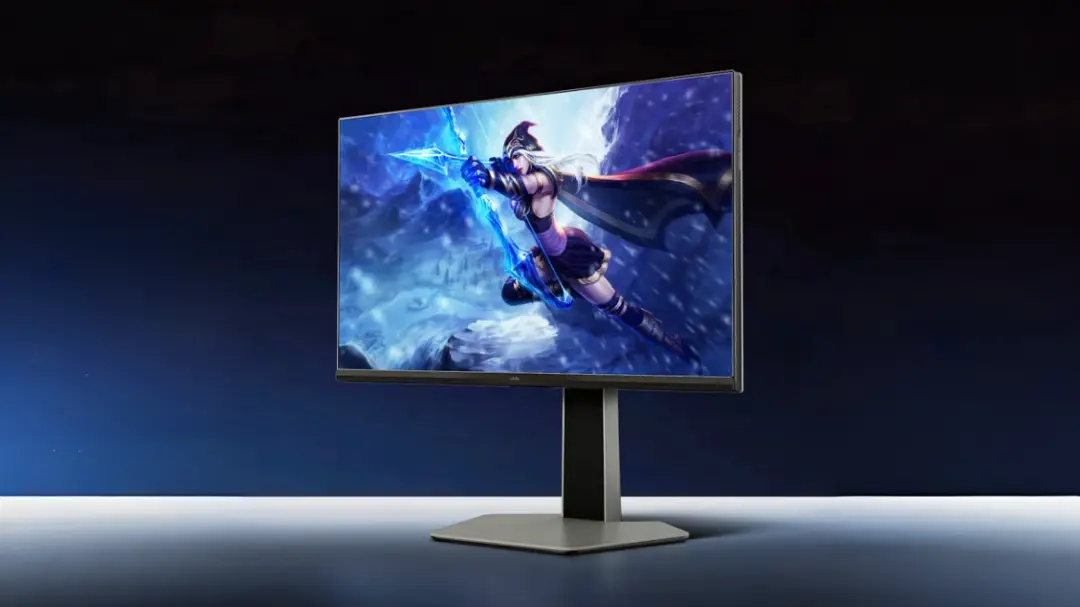
Why should you care about a $122 300Hz gaming monitor? Because TCL’s Thunderbird 25Q5A (aka FFALCON F6) promises to cram premium specs into a budget price. That sounds great on paper—but the catch is simple: there are compromises lurking beneath the spec sheet.
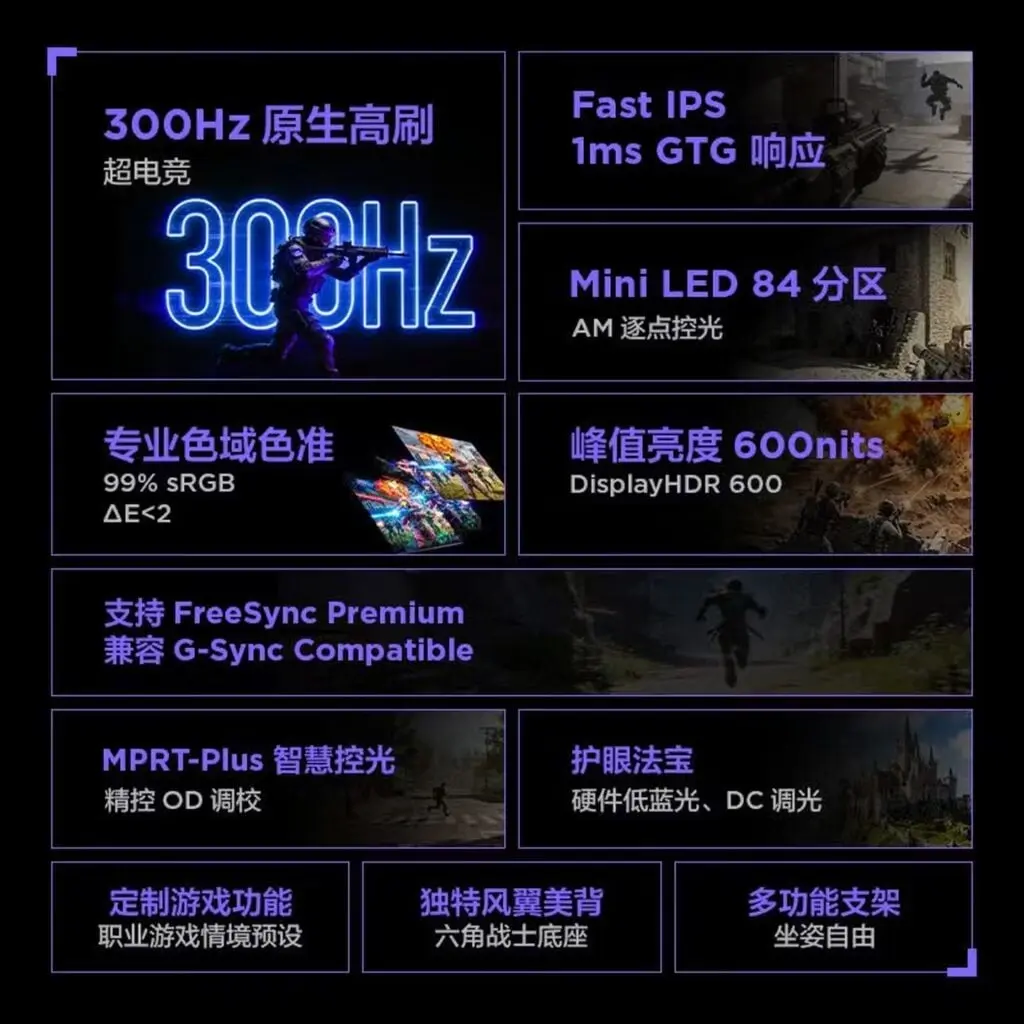
- 24.5-inch 1080p Fast IPS panel with a native 300Hz refresh rate, supporting up to 303Hz
- Mini LED backlight with 84 local dimming zones and DisplayHDR 600 for better contrast and brightness
- 1ms GtG response time plus AMD FreeSync Premium and Nvidia G-Sync Compatible support
- Basic connectivity: HDMI, DisplayPort, and a 3.5mm audio jack; fully adjustable stand included
Flagship Power, Mid-range Compromises
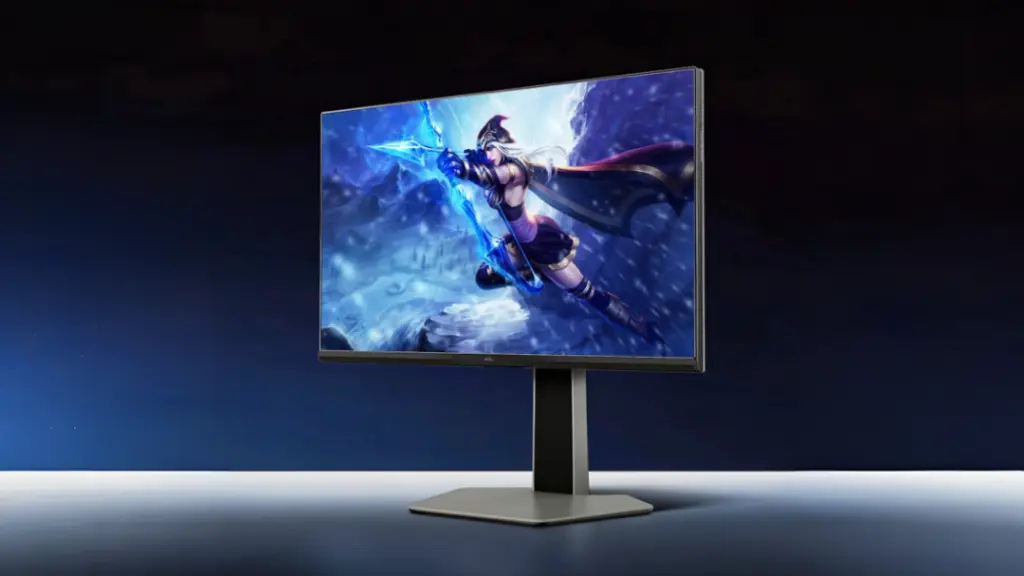
The 25Q5A stands out by pairing a 1920×1080 Fast IPS panel with a blistering 300Hz refresh rate—something usually reserved for pricier monitors. It even bumps up to 303Hz in select cases. The 1ms gray-to-gray response time should help cut down on motion blur, which is crucial for fast gaming.
But don’t get excited just yet. The 1080p resolution is standard fare, and while the panel is quick, the real difference comes from the Mini LED backlight. TCL uses 84 local dimming zones, which significantly improve contrast and brightness—up to 600 nits peak, certified at DisplayHDR 600. That’s unusual for a budget panel and promises better HDR experience than typical cheap IPS monitors.
Colors and Calibration: Are They Worth the Hype?
The monitor claims 99% sRGB and 93% DCI-P3 coverage, with factory calibration hitting a Delta E under 2. If true, that’s solid for color accuracy at this price point. But take it with a grain of salt—these numbers rarely survive real-world use without further tweaking.
For gamers who also dabble in content creation, this might be a decent entry point. However, expect some color shifts after prolonged use or under different lighting conditions.
Gaming Features That Don’t Break the Bank
On the synchronization front, TCL covers its bases with AMD FreeSync Premium and Nvidia G-Sync Compatible support. This should help reduce screen tearing and stuttering during gameplay. The MPRT-Plus tech is a nice touch—it uses motion interpolation combined with zone-based backlighting to further reduce perceived blur.
These features typically show up in pricier monitors, so their inclusion here is noteworthy. Still, the question is if the rest of the package lives up to the promise.
Stand and Connectivity: Basic but Functional
The stand offers decent flexibility: 125mm height adjustment, tilt from -5° to 15°, ±20° swivel, and a full 90° pivot for vertical use. It’s also VESA compatible, allowing wall mounting or alternative stands.
Connectivity is minimal but sufficient—one HDMI port, one DisplayPort, and a 3.5mm audio jack. No USB hubs or fancy extras. For a monitor this cheap, that’s expected.
Three Hours to Full Charge? That’s the Trade-off
Wait, no charging here—you’ll have to power your peripherals elsewhere. Unlike Huawei’s recent 27-inch 4K monitor that offers 100W USB-C charging, the 25Q5A sticks to basics. No frills, no extras.
This isn’t necessarily a dealbreaker, but if you’re expecting a one-stop desktop solution, look elsewhere.
GizmoIndo’s Take
TCL’s Thunderbird 25Q5A is a rare beast: a $122 300Hz gaming monitor with a Mini LED backlight and HDR 600 certification. That combination is almost unheard of at this price. But what this actually means is a product that cuts corners in resolution and connectivity while leaning heavily on high refresh rates and backlight tech to stand out.
For gamers on a shoestring budget, it’s tempting. Just don’t hold your breath for flawless color accuracy or all-day comfort without some tweaks. Real-world performance, especially with sustained HDR content and 5G-connected gaming rigs, will likely reveal the limits of the panel.
Ultimately, the 25Q5A is a gamble. If you want the fastest refresh rates and decent HDR without paying big bucks, it’s worth a look. But if you prioritize resolution, color fidelity, or connectivity extras, your money might be better spent elsewhere.
(Via)