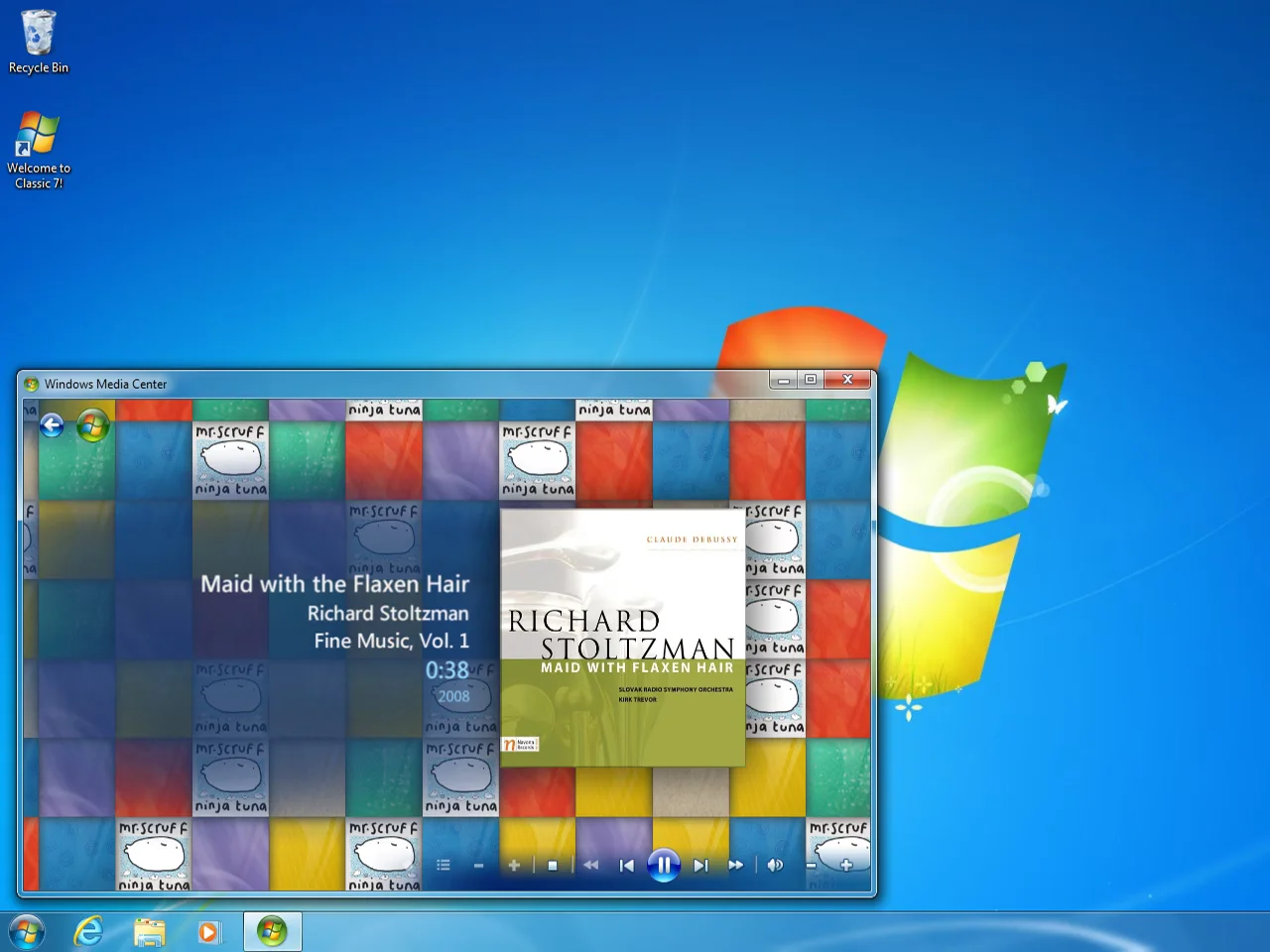
Many users find Windows 11’s ads and privacy settings frustrating, fueling a desire to return to the simpler Windows 7 experience. Classic 7 taps into this nostalgia by combining the familiar Windows 7 interface with the more secure and updated foundation of Windows 10 IoT. It aims to offer a lightweight, ad-free environment that stays protected with security updates until 2032.
- Classic 7 runs on Windows 10 IoT, optimized for low resource usage and minimal bloat.
- It recreates the Windows 7 desktop experience, including taskbar and start menu look and feel.
- Windows 10 IoT’s security updates extend through 2032, offering longer support than Windows 7.
- Users should consider licensing requirements and risks of unofficial sources.
Classic 7 Combines Nostalgia with Modern Security
Classic 7 is built on Windows 10 IoT Enterprise LTSC 2021, a streamlined version of Windows 10 designed for embedded systems. This base excludes many consumer features such as Xbox Game Bar and Microsoft Edge, reducing distractions and potential privacy issues. The result is a system with low hardware requirements — only 2 GB RAM and a 1 GHz processor minimum — that still receives security updates until 2032.
This longevity contrasts with Windows 7’s official end of support in 2020, making Classic 7 an intriguing option for users wanting the old interface without sacrificing security. However, Classic 7 requires significant modifications to deliver the Windows 7 desktop on this modern foundation, so it’s vital to trust the developers and understand the risks involved.
The Real Trade-Off Is Licensing and Source Trust
Windows 10 IoT licenses are typically intended for industrial and retail devices, and acquiring one for personal use can be complicated. Classic 7 itself is not officially licensed, and users downloading it from unofficial sources face potential security risks. The lack of activation requirements makes it easy to try, but long-term use involves navigating these licensing and trust trade-offs.
Could Classic 7 Work for Gaming or Virtual Machines?
There are anecdotal reports that Classic 7 might offer better performance in some games, possibly due to its stripped-down nature. While not officially targeted at gamers, it could serve as a fun project to run in a virtual machine for testing purposes. Still, results will vary depending on hardware and software compatibility.
Pricing and Availability Context
For users wanting an official and supported Windows experience, Windows 11 licenses are available from retailers like Amazon at around $120. Classic 7 offers a no-cost alternative to try, but with the caveats mentioned. Availability varies by region, and users should weigh convenience, security, and legality before opting for unofficial builds.
Consider It If You Crave Windows 7’s Look with Ongoing Security
Classic 7 makes sense for those who appreciate Windows 7’s interface but want a system that stays secure into the next decade. It’s especially suited to users with older or low-spec hardware who want a lightweight OS. Skip it if you require official licensing, guaranteed stability, or prefer fully supported software from Microsoft.
(Via)