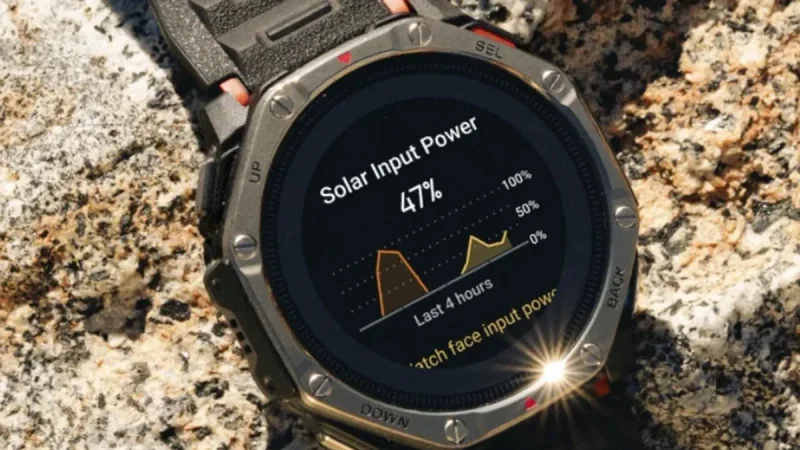
Garmin has officially released its first post-launch update for the Fenix 9 and Fenix 9 Pro, focusing on stability and power efficiency. While the rollout of System Software 6.48 arrives just weeks after the devices hit the market, it addresses several nagging inconsistencies that early adopters reported, including a specific battery drain issue that affected those utilizing inReach satellite communication plans.
The update, which replaces the launch-day System Software 6.38, has bypassed the company’s typical Beta Program to reach stable units faster. For users who rely on their high-end wearable for extended off-grid excursions, the fix for the inReach-related power consumption is perhaps the most significant improvement, ensuring that the watch maintains its expected longevity even when tethered to satellite services.

Refined Notification and Voice Controls
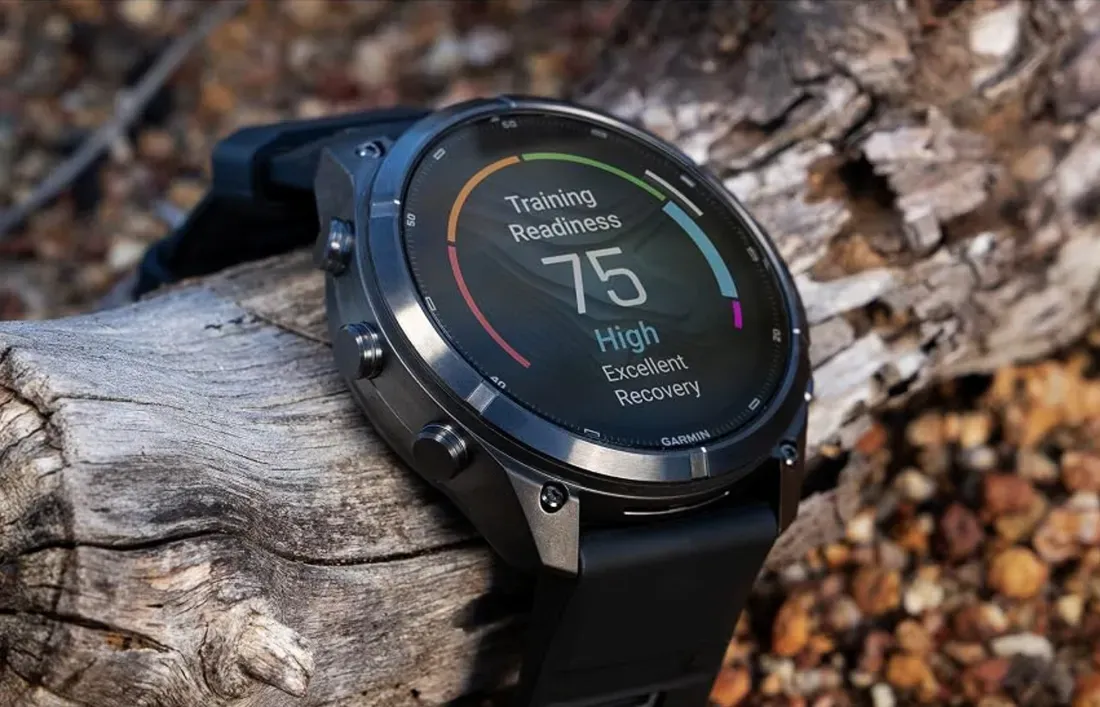
Beyond power management, the 6.48 update introduces a series of quality-of-life fixes that polish the user experience. One of the more disruptive bugs involved incoming Messenger calls failing to sync correctly with the watch, even when the devices remained connected via Bluetooth Low Energy. With this patch, incoming communication should appear consistently on the wrist.
Garmin has also addressed concerns regarding the watch’s audio behavior. Previously, users reported that voice alerts would occasionally sound even when the device was set to Silent Mode. Furthermore, the microphone functionality, which previously struggled if a voice assistant session was interrupted by an incoming call, has been stabilized. Adjustments to volume controls and fixes for confusing location data in the Garmin Locate feature round out the list of improvements.
How to Update Your Fenix 9
Garmin notes that the update is currently reaching approximately 20% of the user base, with a wider release expected to follow shortly. For those who prefer not to wait for the automatic over-the-air notification, the process to trigger the update manually is straightforward.
Navigate to the main menu on your watch, select Settings, then proceed to the System section. From there, select Software Update and tap 'Check for Updates' to force the download. Given the nature of these fixes, particularly the battery-related optimizations, it is recommended that all Fenix 9 and Fenix 9 Pro owners perform this update as soon as it becomes available to ensure peak performance and stability.