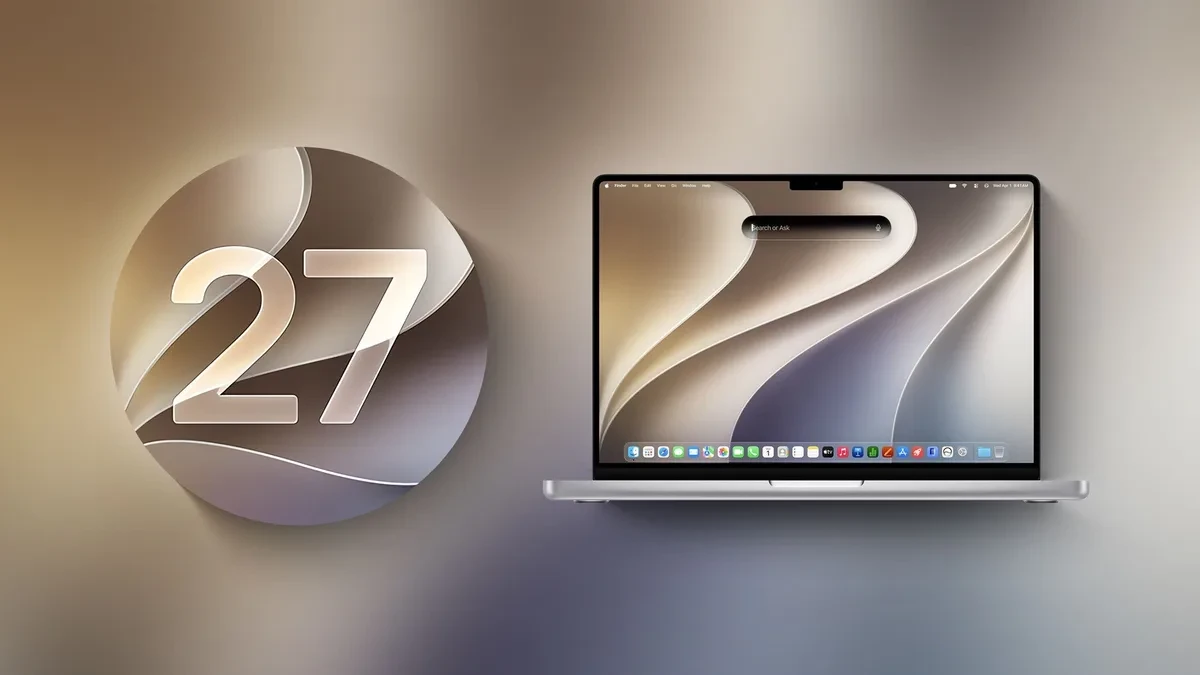
Apple has officially released macOS Golden Gate 27, a free operating system update that introduces a rebuilt Siri AI chatbot and Visual Intelligence to compatible Macs. This release marks a definitive turning point for the ecosystem, as the update requires an Apple Silicon processor, completely leaving Intel-based Macs behind. For users with M-series hardware, the update is available now to download via the Software Update section in System Settings.
The update aims to solve a long-standing frustration for Mac power users: the historical limitations of Apple's virtual assistant. By integrating Apple Intelligence directly into the desktop experience, macOS Golden Gate transforms Siri from a simple voice-command tool into a deeply integrated conversational partner capable of contextual understanding and complex task execution.
Siri AI Steps Out of the Menu Bar and Into a Dedicated App
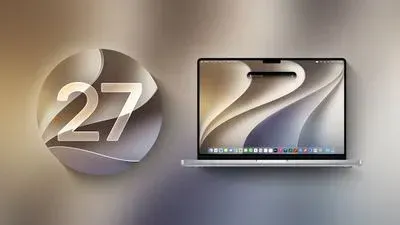
For years, Mac users have relegated Siri to simple tasks like setting timers or checking the weather. With macOS Golden Gate, Apple introduces a dedicated Siri AI application designed to function as a fully featured digital assistant. Powered by Apple Intelligence, this new iteration of Siri is highly conversational, personal, and deeply integrated into the core architecture of the operating system.
Siri AI is now integrated directly with Spotlight search, allowing users to initiate queries using natural language. Instead of relying solely on voice commands, users can type queries into a unified text interface, making it far more practical for open-plan offices or quiet workspaces. The assistant can parse complex, multi-step requests, scan local files, and reference on-screen content to provide relevant answers.
Visual Intelligence and Liquid Glass Design Refinements
Beyond the conversational upgrade, macOS Golden Gate brings Visual Intelligence to the desktop environment for the first time. This feature allows the operating system to analyze visual elements on the screen. Users can highlight images, PDFs, or video frames to instantly extract text, identify objects, translate foreign languages, or perform reverse-image searches. This utility bridges the gap between static desktop content and active web research, saving users from manual copying and pasting.
Visually, the update refines the Liquid Glass design language that Apple introduced in the previous macOS version. The interface tweaks are subtle but noticeable. Window borders feature more pronounced depth, translucent menus adapt more organically to dynamic desktop backgrounds, and system animations feel more responsive. These visual adjustments aim to make the workspace feel more tactile without adding unnecessary visual clutter or taxing system resources.
The Apple Silicon Ultimatum: Intel Era Comes to a Close
The most significant architectural shift in macOS Golden Gate is the absolute exclusion of Intel processors. While previous macOS updates retained legacy support for late-stage Intel machines, Golden Gate requires the hardware unified memory and dedicated Neural Engine found only in Apple Silicon.
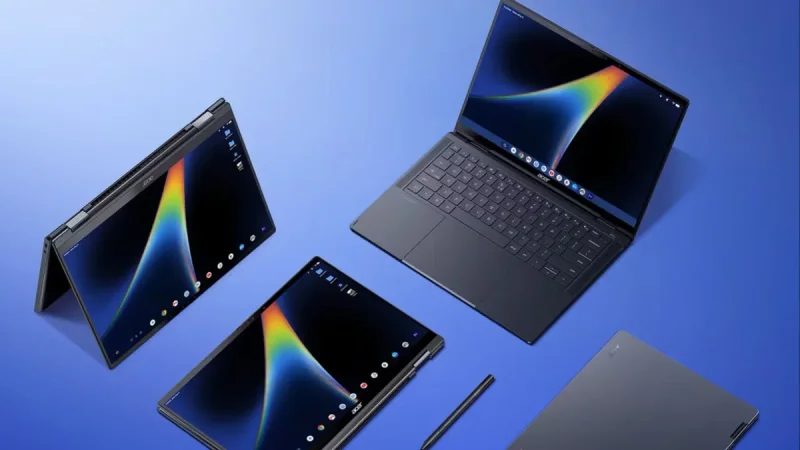
While this decision may frustrate users still operating high-end Intel Macs, like the 2019 Mac Pro or the final Intel iMacs, it represents a necessary engineering choice. Running local, on-device AI models requires massive memory bandwidth and dedicated silicon acceleration that older Intel architectures simply cannot provide. By dropping legacy support, Apple can optimize the operating system code exclusively for its custom ARM-based architecture, resulting in better battery efficiency for MacBooks and more stable performance across the board.
Compatibility and Installation
The macOS Golden Gate update is available as a free download for all compatible hardware. To install the update, navigate to System Settings, select General, and click on Software Update.
Because of the strict hardware requirements, compatibility is limited to machines equipped with the M1 chip or newer, including all variations of the M2, M3, and M4 processor families. Users should back up their local data via Time Machine before initiating the installation to prevent potential data loss during the system transition.