Most USB-C hubs force a frustrating compromise: you either sacrifice resolution for high refresh rates or settle for a sluggish 60Hz experience that ruins the fluidity of a modern monitor. Anker is looking to close that gap with its latest 10-in-1 Desktop USB-C Hub, a device that prioritizes high-bandwidth display output while keeping desk clutter to a minimum. By moving away from the DisplayLink software reliance seen in previous premium models, this new hub offers native video output that finally makes sense for gamers and creative professionals.
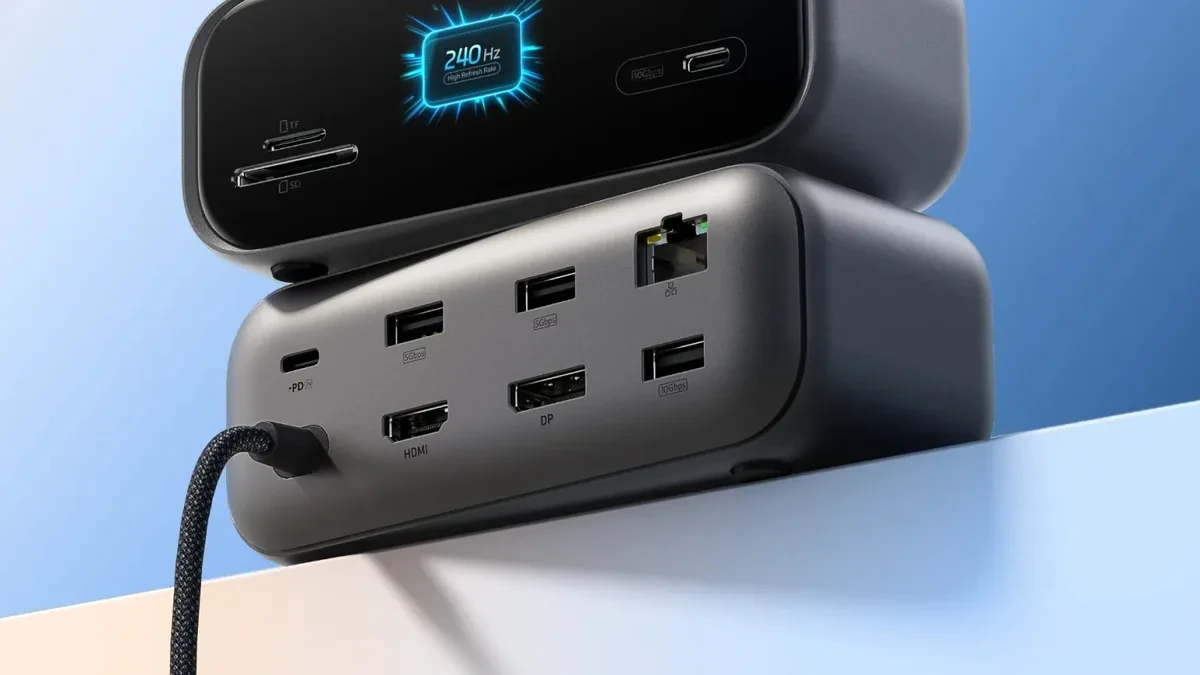
Beyond just display connectivity, the hub integrates a smart status display, a feature previously reserved for much more expensive docking stations. This allows users to monitor real-time data like current charging speeds, resolution, and refresh rates at a glance. It is a practical addition for anyone tired of troubleshooting why their monitor is stuck at a lower frame rate.

High-Performance Display Connectivity
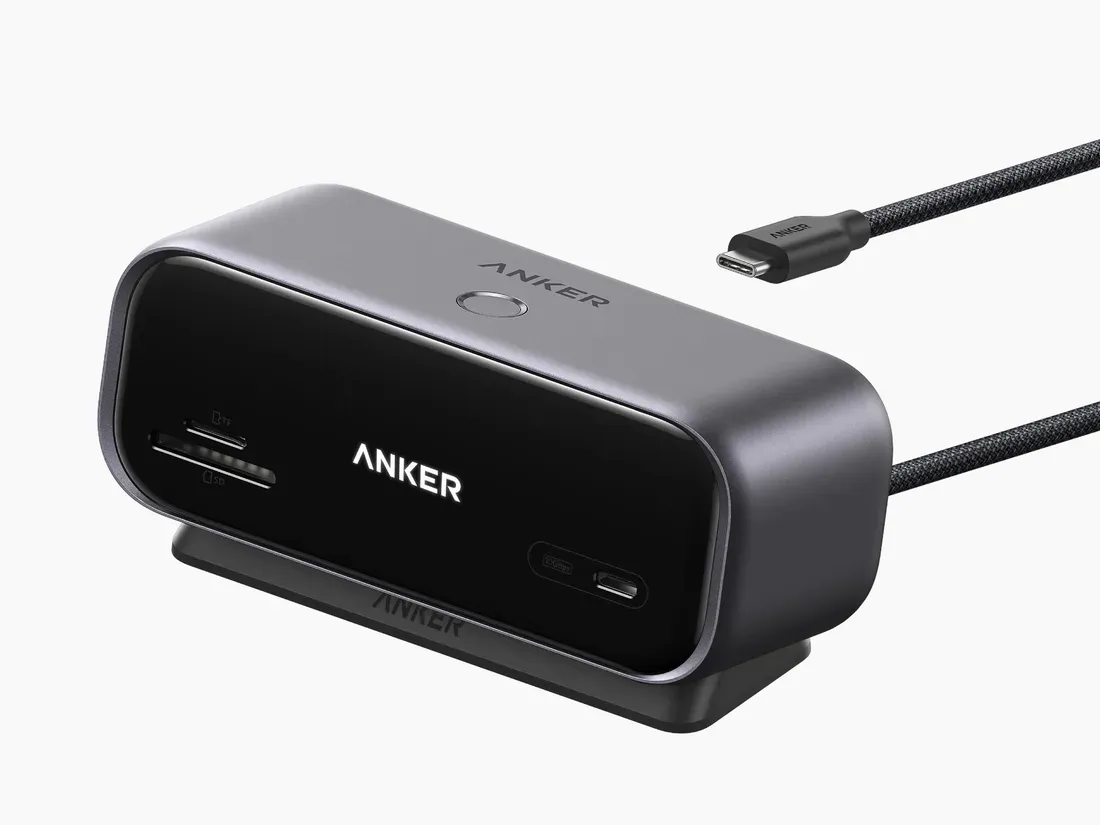
The standout feature here is the sheer bandwidth management. Utilizing HDMI 2.1 and DisplayPort 1.4, this hub supports a single 4K monitor at up to 144Hz. For those prioritizing speed over pixel density, it can push 1440p monitors to a buttery 240Hz. This is a significant win for users who want to utilize their high-end gaming displays without needing to plug directly into a laptop's limited port selection. If you prefer a dual-monitor setup, the hub handles two 4K displays at 60Hz, providing enough screen real estate for demanding multitasking workflows.
Port Versatility and Power Delivery
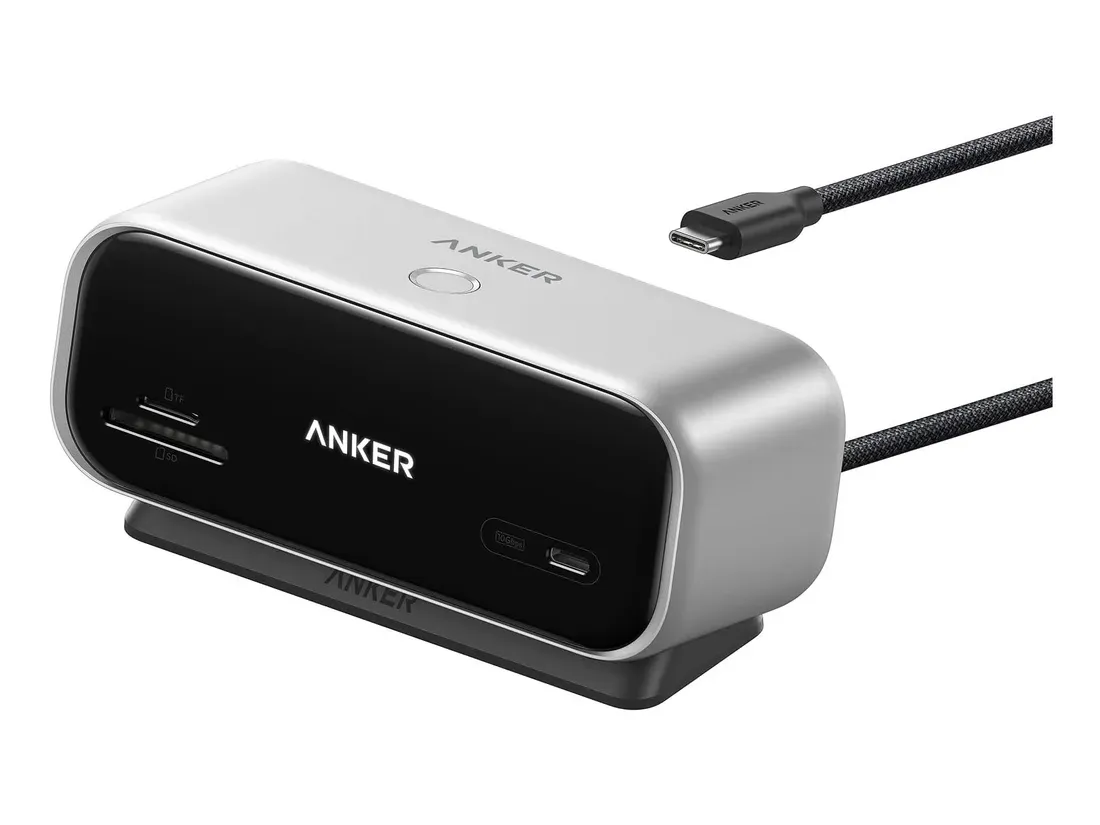
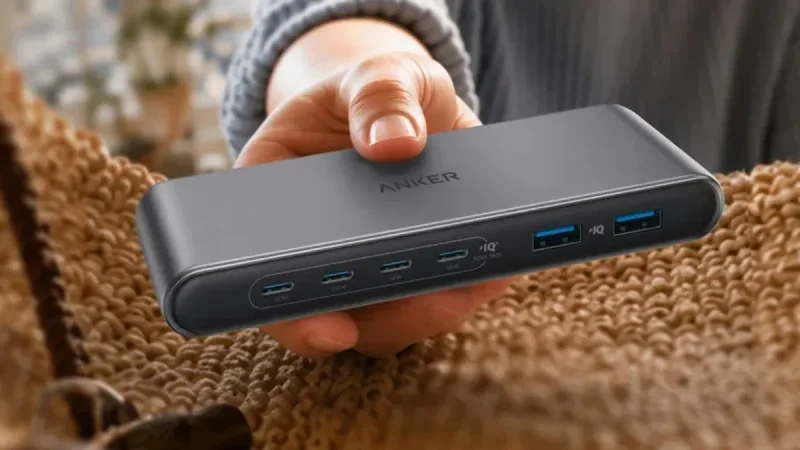
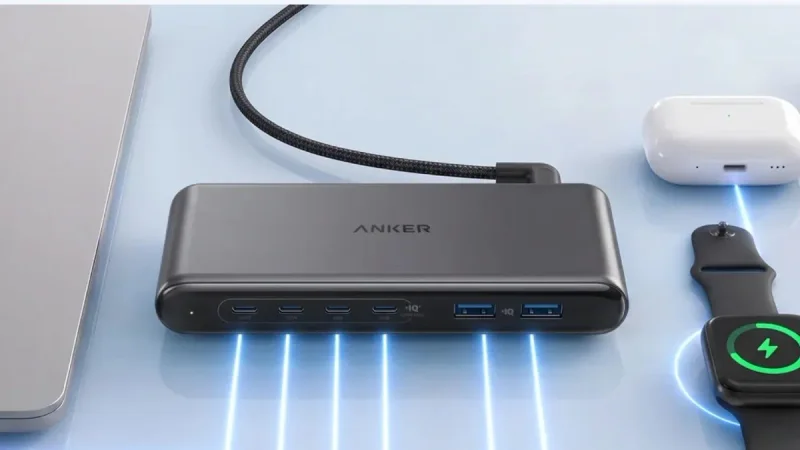
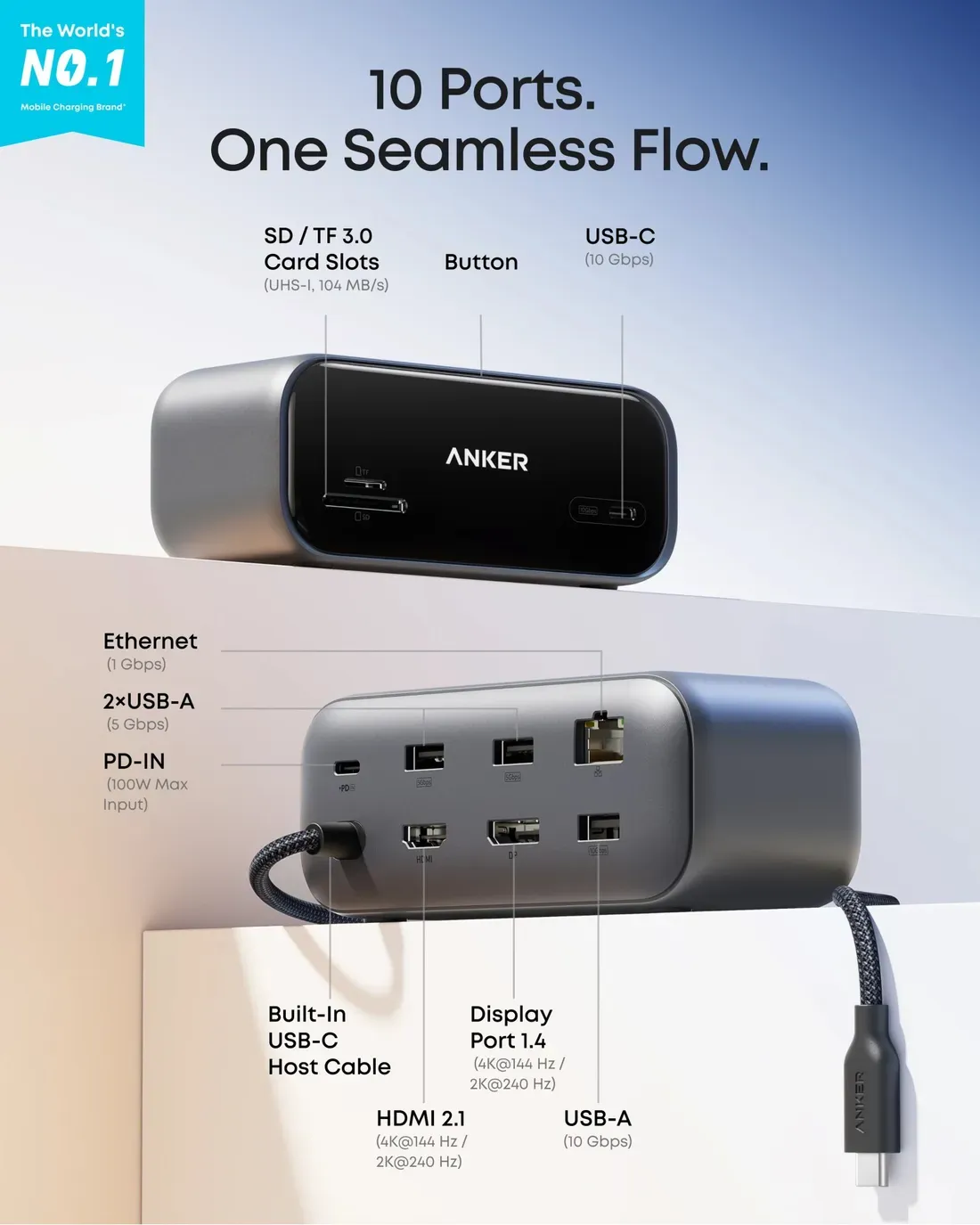
Beyond the display capabilities, the hub acts as a central nervous system for a desktop setup. The front panel features a 10Gbps USB-C port for fast data transfers, alongside dedicated SD and microSD 3.0 card slots for photographers and videographers who need quick file offloading. The rear of the device is equally well-equipped, housing a 100W USB-C PD input, a 10Gbps USB-A port, two additional 5Gbps USB-A ports, and a Gigabit Ethernet port for stable, wired networking.
When paired with a 100W Power Delivery charger, the hub provides up to 80W of passthrough power to your connected laptop. This is sufficient to keep most ultrabooks and even some thin-and-light gaming laptops charged during heavy use, eliminating the need to carry a separate power brick for your machine.
Pricing and Availability
The Anker Desktop USB-C Hub is available now in both iron gray and starlight silver finishes. While it has debuted in the US market through Amazon and Anker's official store, international pricing and regional availability for Europe and other markets have not yet been confirmed. Given its feature set and the shift toward native display output, this hub positions itself as a compelling value-focused alternative to more complex, software-dependent docking stations.