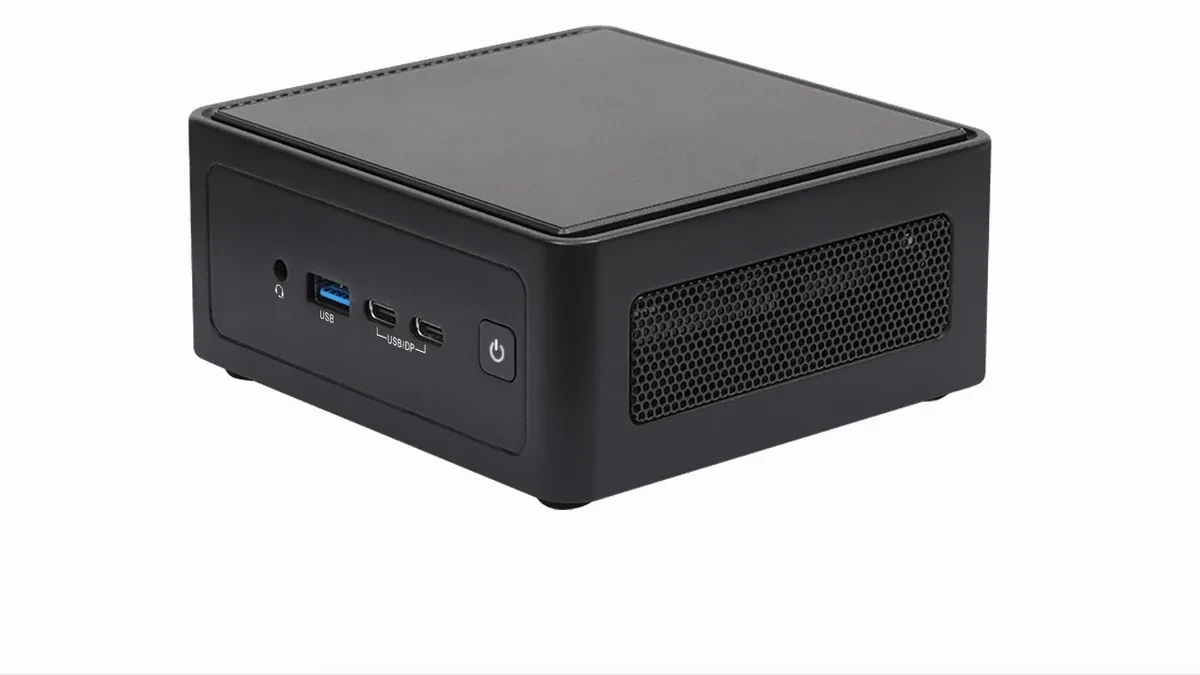
Desktop computing continues to shrink, and ASRock is leaning into the trend with its latest NUC BOX-320 and NUC BOX-304 mini PCs. Designed for users who prioritize footprint over raw processing muscle, these machines utilize Intel's Wildcat Lake architecture to handle daily office tasks, web browsing, and light media consumption without dominating your desk space.
Measuring just 117.5 x 110 x 49 mm and weighing a mere 1 kg (2.2 lbs), these units pack a surprising amount of connectivity into a 0.63-liter chassis. While they are not intended for high-end gaming or intensive rendering, the inclusion of up to 64 GB of DDR5-6400 memory support makes them capable multitasking machines for home or office environments.
Performance Tiers for Everyday Utility
The lineup is split into two distinct tiers based on the installed processor. The NUC BOX-320 features the Intel Core 5 320, a 6-core chip utilizing a hybrid architecture of two performance cores and four efficiency cores. Performance testing suggests this chip competes with older mobile hardware like the AMD Ryzen 3 7330U, providing a steady baseline for productivity software and multi-tab browsing.
Stepping down, the NUC BOX-304 utilizes the Intel Core 3 304, which features a 5-core setup (one performance, four efficiency). This configuration is optimized for even lighter workloads, effectively serving as a modern replacement for entry-level systems. Neither machine features discrete graphics, relying entirely on integrated solutions that are suitable for basic video acceleration rather than 3D workflows.
Connectivity and Expandability
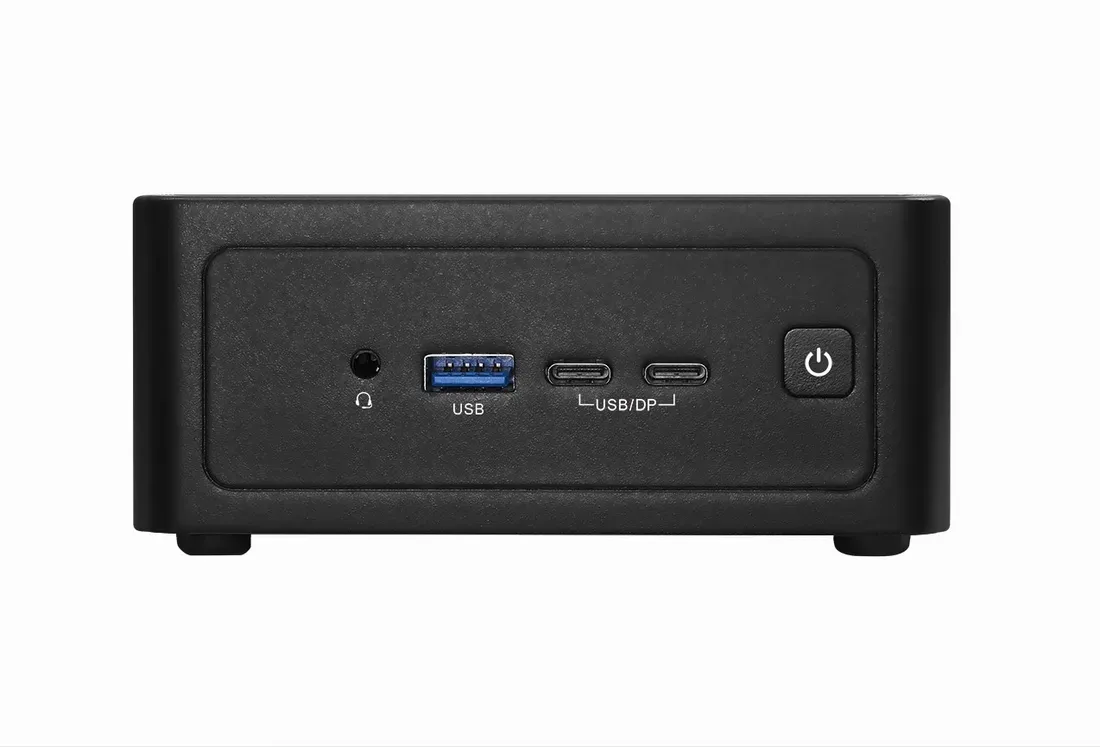
ASRock has ensured that these diminutive systems remain highly functional through a robust I/O selection. Both models include dual HDMI 2.1 ports for multi-monitor setups, alongside dual 2.5G Ethernet ports for fast local networking. The inclusion of two USB 3.2 Gen 2x2 Type-C ports with DisplayPort 1.4a support provides flexible docking options for modern peripherals.
Internal storage is handled via an M.2 2242 slot (PCIe Gen 4 x1) and an M.2 2280 slot (PCIe Gen 4 x2), allowing for a balance between boot speed and secondary storage capacity. Networking is equally well-catered for, with a dedicated M.2 2230 slot pre-populated with a card supporting WiFi 6E and Bluetooth 5.3.
Pricing and Global Availability
ASRock has not yet disclosed public pricing or specific regional release dates for the NUC BOX-320 and BOX-304. Interested buyers are currently required to contact ASRock directly for quotations or check with authorized distributors in their region. For those who need more immediate performance in a similar form factor, alternatives like the Minisforum X1 Lite are currently available for $663.