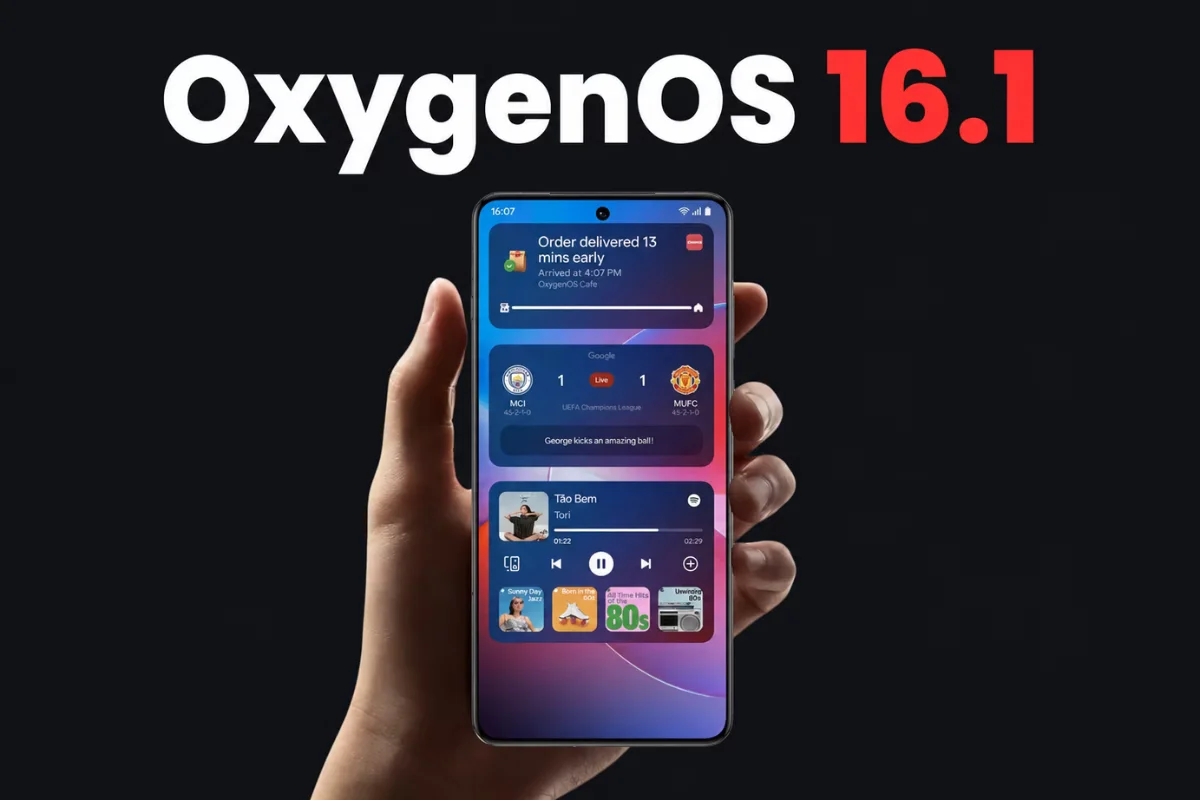
OnePlus has officially started rolling out OxygenOS 16.1, a significant mid-cycle update focusing on enhanced animations, a redesigned lock-screen interface, and smarter AI capabilities. Initially available for OnePlus 15 users in India, this update is expected to expand to more regions shortly.
Introducing Live Space on the Lock Screen
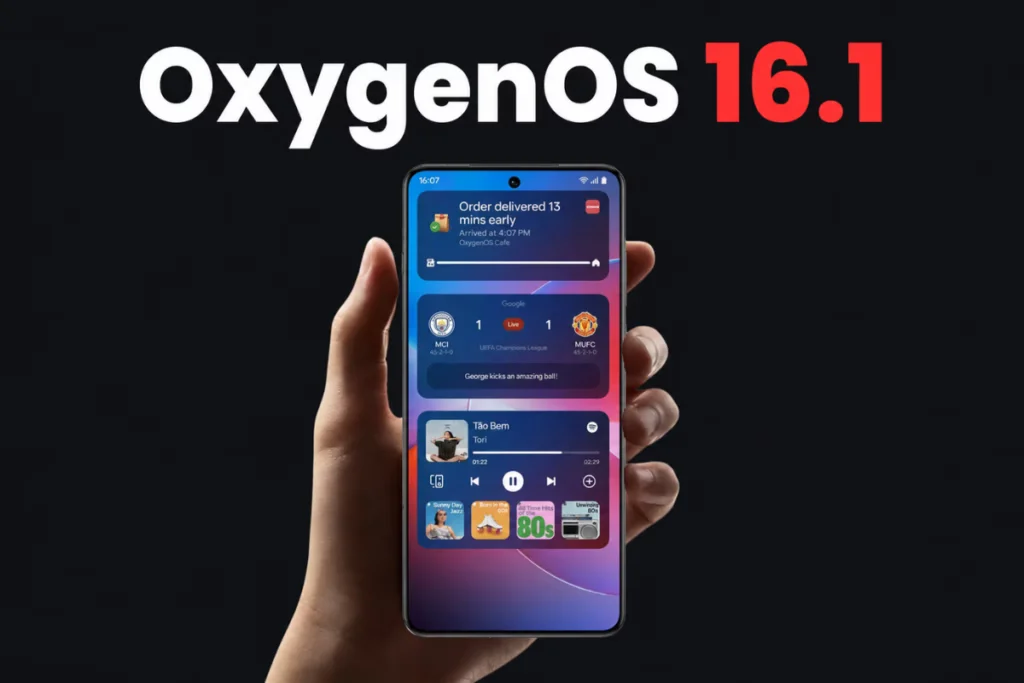
The standout feature in OxygenOS 16.1 is Live Space, a dynamic notification capsule located at the bottom of the lock screen. Similar to Samsung’s “Now Bar,” Live Space provides live updates such as timers, music playback, and sports scores without obstructing the wallpaper. Users can effortlessly expand or collapse notifications with smooth swipe gestures, creating a seamless interaction.
Tapping album art on Live Space launches a music focus mode, displaying full-screen album art and lyrics for immersive listening. Timers can be expanded instantly from the lock screen, helping users keep track without unlocking their phones. Related coverage: Sony WH-1000XX Headphones Return with Launch Set for May.
Smoother Animations and Responsive UI
OxygenOS 16.1 brings a new Luminous Rendering Engine that enhances the responsiveness of animations, especially within floating windows like the Livestream Assistant. Pull-down gestures for notifications and quick settings now feature polished, fluid animations, while the Trinity Engine improves touch recognition, reducing scrolling jitters for a smoother app experience.
Advanced AI Features for Translation and Media
The update introduces an AI-powered translation system that operates offline, translating menus with dish visuals, allergens, prices with automatic currency conversion, and cart integration. Live translation sessions generate automatic titles and summaries, improving review and organization of conversations. The AI also adapts to context for more natural real-time translations. For more context, you may also want to read Huawei MatePad Pro Max 20GB+1TB Variant Launching with Nova 16 Series.
Photos benefit from more creative flexibility in Collage’s Popout mode, while document scanning is faster and more accurate. Enhanced scanning algorithms remove wrinkles, shadows, and blur with a single tap. The system now recognizes handwriting, paragraphs, and tables, allowing easy copying or exporting to Word documents.
Customizable Home Screen and Visual Upgrades
OxygenOS 16.1 introduces Flux Home screen, enabling users to organize apps by color or category instantly. Home screen layouts are auto-saved, allowing quick reversion to previous setups. Additionally, apps can be found by color in drawer mode, speeding navigation.
The visual experience is refined with a new Contour glow option that adds organic surface details inspired by the behavior of light. HDRUI technology enhances the lock screen’s large clock display with richer colors and brightness depth.
Camera Improvements and Game Assistant Enhancements
Camera users gain the ability to save custom settings as Master presets and share them via watermarks. The camera interface has been cleaned up for more intuitive operation.
Game Assistant now offers a customizable equalizer for speaker sound effects, letting users choose presets like Pop or Rock or fine-tune frequencies. This feature is accessible under Settings > Sound & vibration > Sound effect settings > Custom.
Connectivity, Battery, and Security Updates
A new Vo5G icon appears in the status bar when both the SIM and network support Vo5G calling. Battery statistics are expanded to include personal hotspot usage and app-level activity time.
The update also integrates the May 2026 Android security patch and enhances caller identification to better detect telemarketing, spam, and suspected fraud calls.
To check for the OxygenOS 16.1 update on eligible OnePlus devices, users can navigate to Settings > About device and tap the OxygenOS card. The rollout is staged, so availability may vary by region and device.
(Via)