Kobo has completely overhauled the backend infrastructure responsible for syncing bookmarks, page numbers, and reading progress across its dedicated hardware e-readers, mobile apps, and web interface. The server-side redesign addresses years of user complaints regarding lost reading progress when switching between e-ink hardware and smartphone applications. However, unlike conventional cloud updates, existing device owners must execute a manual account repair on every registered device to activate the new system.
The announcement came via a series of social media updates from Kobo CEO Michael Tamblyn, who acknowledged that the old syncing architecture dated back to the company's earliest years. As Kobo expanded its ecosystem across diverse hardware generations, iOS, Android, and web platforms, the legacy synchronization pipeline became increasingly prone to database conflicts and failed page alignment.
A Long-Overdue Infrastructure Overhaul
For years, multi-device readers faced persistent sync mismatches. A reader making progress on a Kobo device during an evening session would frequently find their mobile app reverting to an earlier chapter the following morning. The underlying backend relied on legacy database triggers that struggled with concurrency whenever multiple apps or devices pinged the cloud simultaneously.
By replacing this original architecture with a modernized backend, Kobo aims to provide accurate page-state tracking across all active endpoints. CEO Michael Tamblyn noted that the structural transition was a complex process due to the massive volume of historical user reading logs stored across Kobo's servers since the platform launched over a decade ago.

How to Manually Activate the Syncing Fix
Because the update involves transitioning account states to a fresh database architecture, the repair process will not apply automatically in the background. Users must manually initiate the database repair on every piece of hardware and software tied to their profile.
To apply the update on a Kobo hardware e-reader:
• Open the main menu and navigate to Settings.
• Select Device Information.
• Tap Repair Your Kobo Account and allow the system to complete the resynchronization process.

For mobile users on iOS or Android, as well as those using the web platform, the fix is initiated simply by signing out of the Kobo app and signing back in. Alternatively, logging out and logging back in on hardware e-readers achieves the same result, though using the dedicated Repair tool in settings is generally faster. This manual procedure only needs to be performed once per device, after which normal automatic background syncing resumes under the new architecture.
Format Limitations and Ecosystem Context
While the infrastructure overhaul significantly improves reliability for standard digital reading, certain format boundaries remain intact. The revamped sync engine strictly applies to official Kobo store purchases, Kobo Plus subscription titles, and borrowed library books synced via integrated OverDrive services.
It does not extend to personal documents or sideloaded EPUB and PDF files transferred via USB or third-party cloud tools. Sideloaded media will continue to manage bookmarks locally on the individual hardware unit, as Kobo does not host or process personal library files on its primary cloud sync servers.
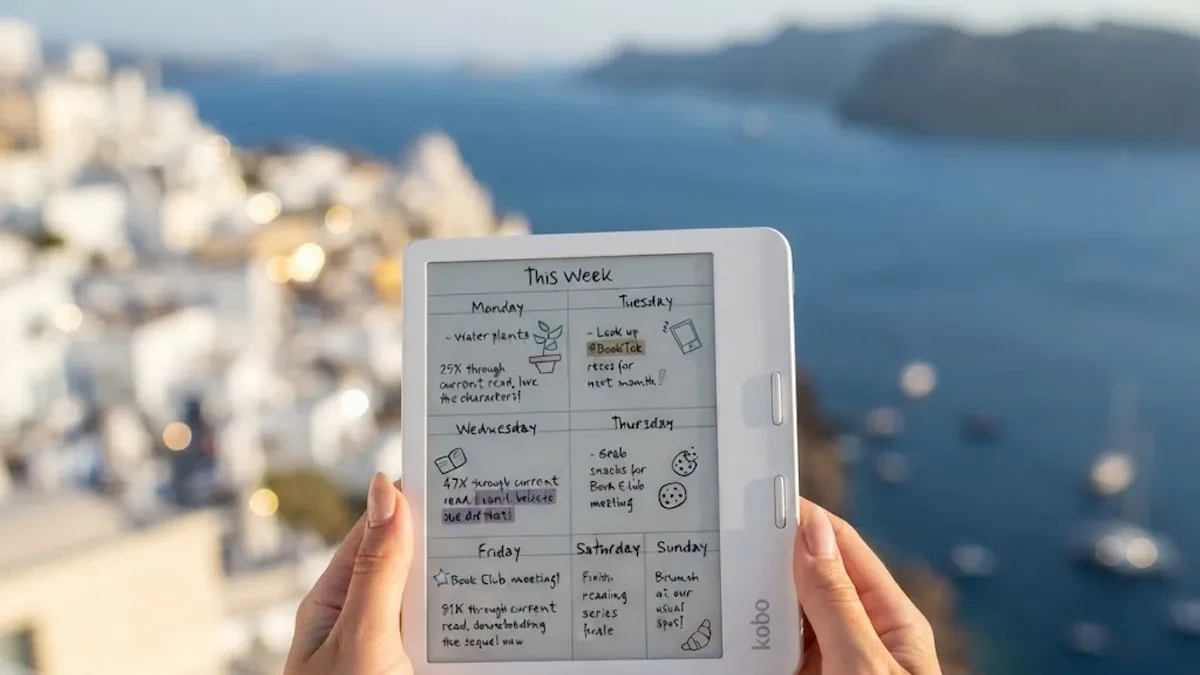
For readers who have previously delayed upgrading their reading setup due to software sync bugs, hardware options like the Kobo Libra Colour offer a well-rounded entry point into the updated ecosystem. Retailing around $219 (€229), the Libra Colour combines physical page-turn buttons, a color E Ink Kaleido 3 display, and full compatibility with the updated backend sync engine.