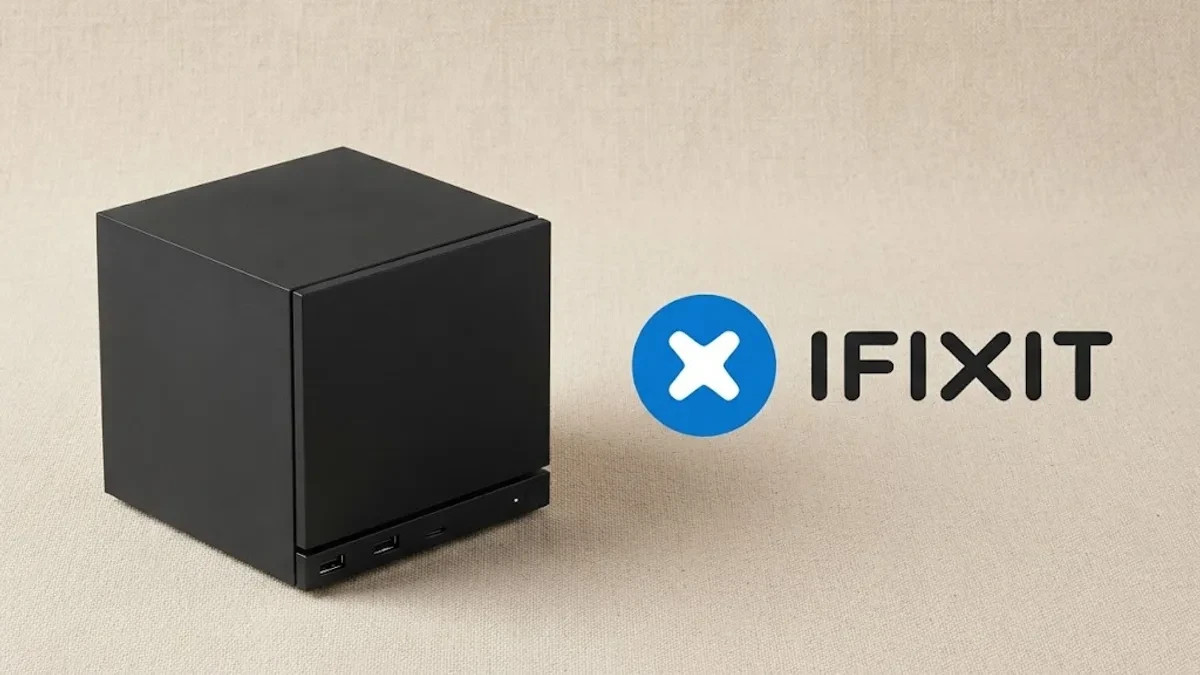
Valve is betting big on the longevity of its latest hardware, teaming up with iFixit to release a comprehensive suite of 18 official repair guides for the second-generation Steam Machine. For enthusiasts who prefer to open their hardware rather than replace it, this documentation is a welcome shift away from the disposable tech culture that often plagues compact gaming PCs.
The partnership, which previously focused on the Steam Deck, now provides a granular look at the internal architecture of the Steam Machine. Whether you need to replace a worn-out fan or perform a necessary SSD upgrade, these guides offer step-by-step instructions that range from basic maintenance to complex component swaps.

Navigating the Complexity of Compact Engineering
While having access to the schematics is a win for consumer rights, the Steam Machine is a dense, high-performance piece of hardware that demands patience. The repair guides reveal just how tightly packed the internals are: replacing the motherboard is a rigorous 55-step process, while tackling the power supply or the heatsink requires 57 steps.
To manage expectations, iFixit has included difficulty ratings and estimated repair times for each procedure. The guides also specify the necessary toolkit, which includes a T8 Torx screwdriver, thermal paste, thermal putty, a spudger, and precision tweezers. It is a stark reminder that while the machine is user-serviceable, it is not necessarily user-friendly for the faint of heart.
The Missing Piece: Availability of Replacement Parts
There is a notable caveat to this launch: the documentation currently outpaces the physical inventory. While the guides are live and ready for use, iFixit has not yet populated its storefront with dedicated Steam Machine replacement parts. Valve and iFixit have confirmed that a catalog of components is coming soon, but they have yet to provide a firm date for when users can actually purchase the required hardware to execute these repairs.

For now, the guides serve as a vital resource for preventative maintenance, such as cleaning out dust buildup or re-applying thermal compound to keep thermals in check. As the industry continues to face pressure to improve repairability, this initiative sets a high bar for other compact gaming PC manufacturers who often seal their devices behind proprietary screws and adhesive-heavy designs.
If you are planning to tinker with your unit, it is advisable to keep these guides bookmarked and wait for the official parts store to go live before attempting any major internal teardowns. For now, the focus should remain on simple cleaning and maintenance to extend the lifespan of your machine until a full supply chain of spare parts becomes available.